RichAuto DSP CNC Controller Buying Guide
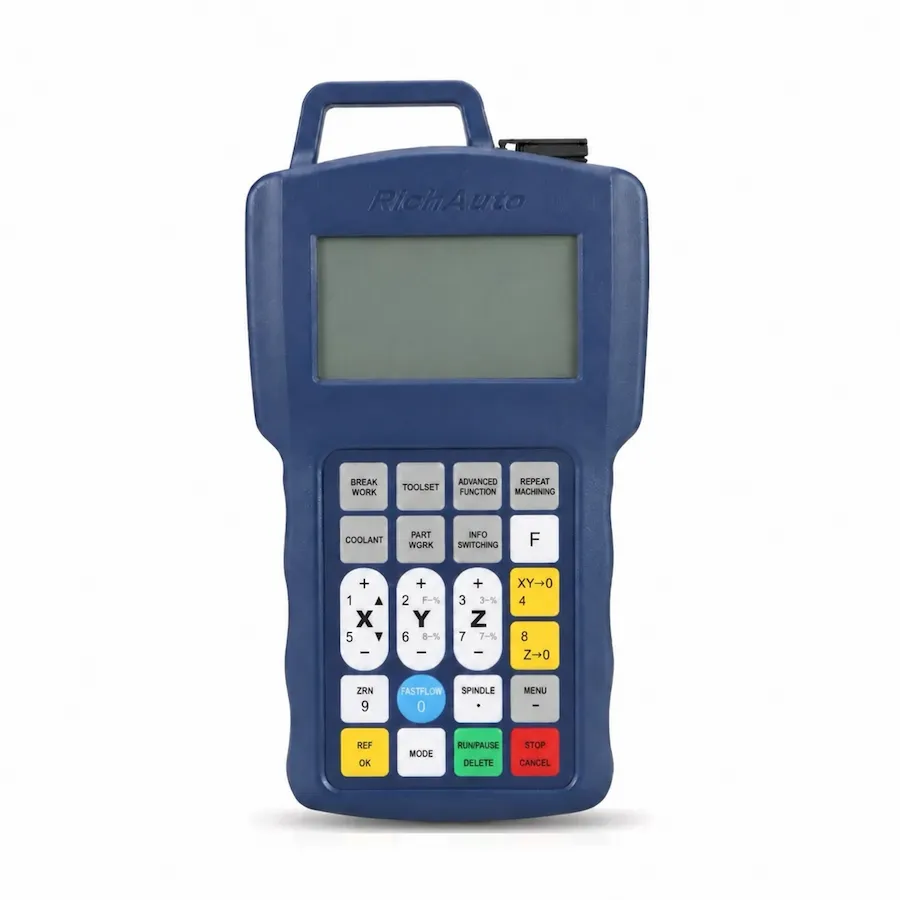
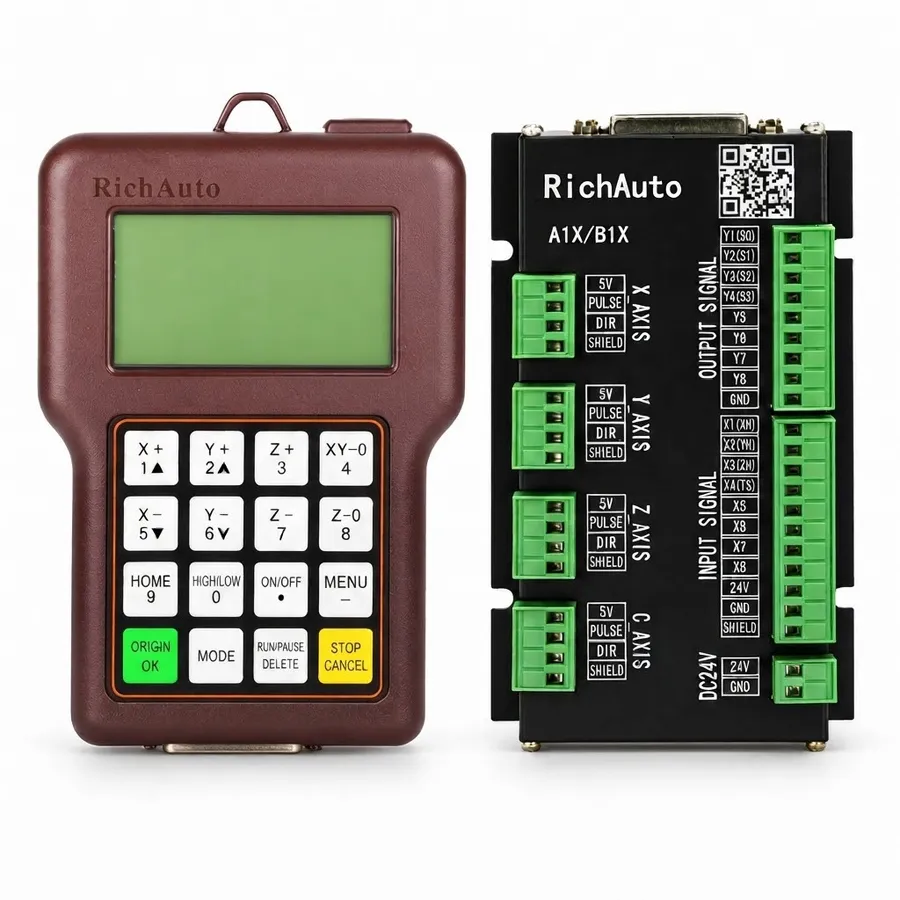
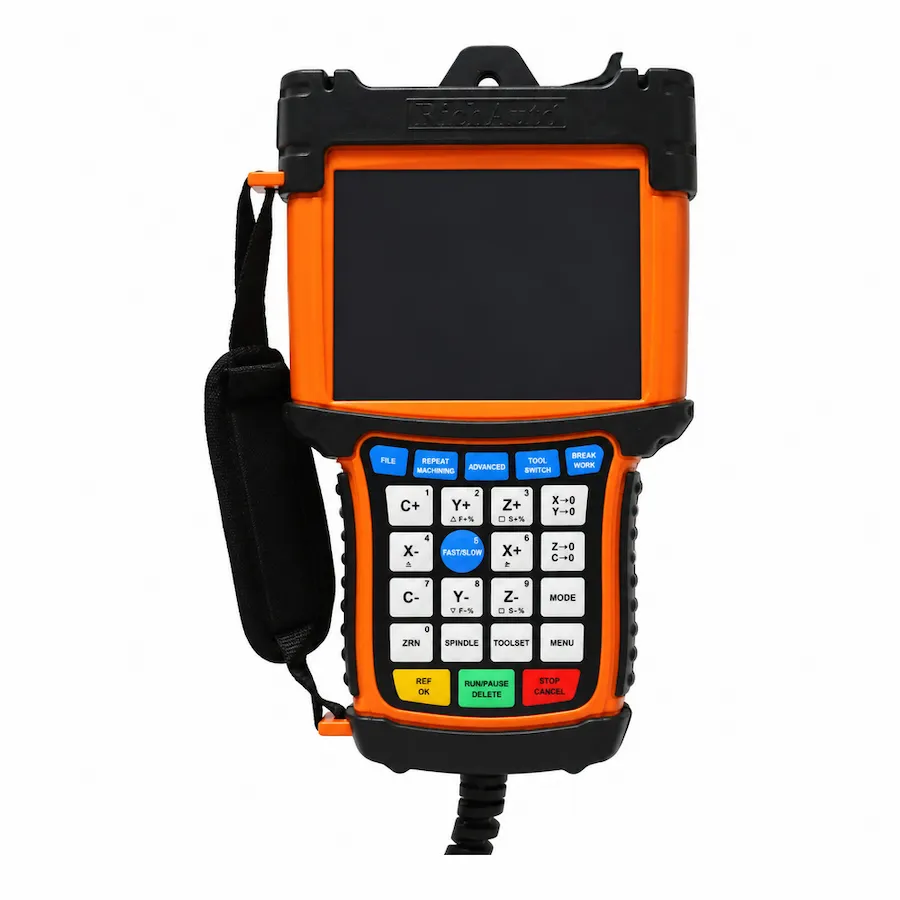
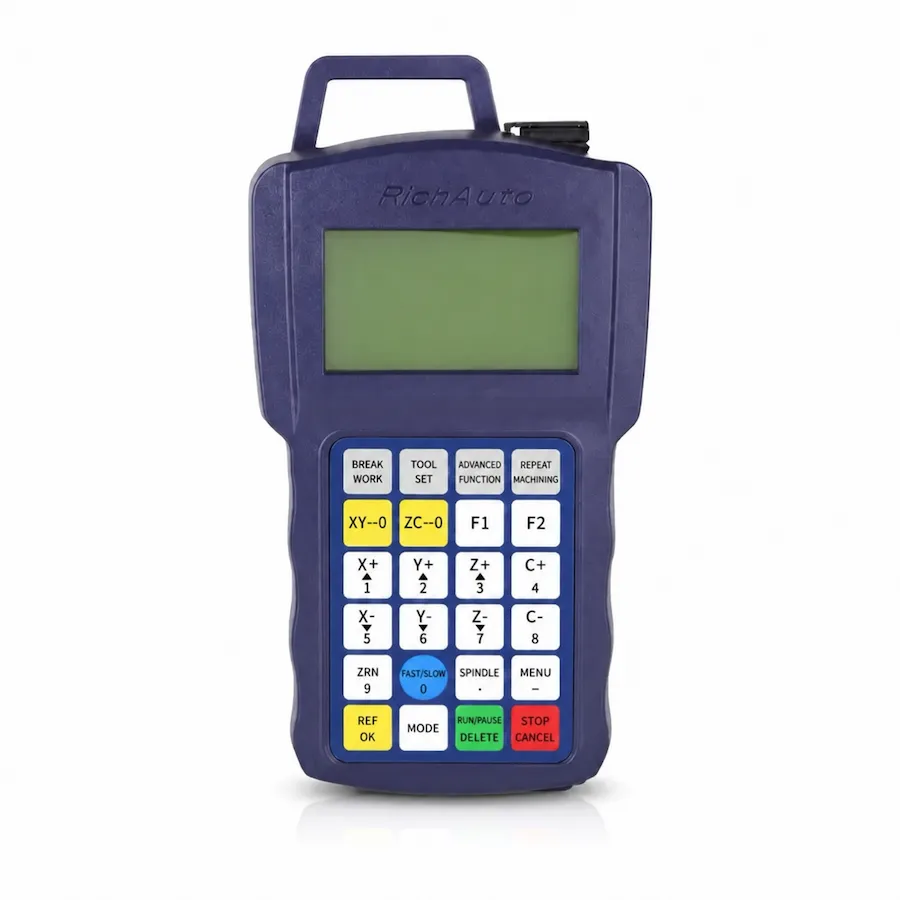
Choose a RichAuto DSP CNC controller by machine type and required control functions first. A11, B11 and B51 are mainly standard 3-axis options; A12 targets plasma and flame cutting; B57 targets ATC; A15 and B15 target multi-spindle or multi-head machines; and A18, B18 and B58 are 4-axis-oriented. For any replacement, confirm the exact wiring, interface board, signal type, hardware revision, firmware and machine configuration before ordering.
RichAuto Series and Models
The RichAuto series covered in this guide are A1X, B1X and B5X.
The RichAuto model range includes:
-
- A11
-
- A12
-
- A15
-
- A18
-
- B11
-
- B15
-
- B18
-
- B51
-
- B57
-
- B58
Model names alone do not establish compatibility with a particular CNC machine. The useful starting point is the machine application, followed by axis requirements and any special control functions.
Standard 3-Axis Controllers
A11, B11 and B51 are mainly standard 3-axis options.
These are the first models to investigate when the machine requires conventional three-axis control. The RichAuto A11 is one model in this group.
For a replacement project, confirming that both controllers are described as 3-axis units is insufficient. The existing machine may use a particular interface board, wiring arrangement, signal type, hardware revision or firmware that must be checked before a replacement is specified.
Controllers for Specific Machine Applications
A12 for Plasma and Flame Cutting
A12 targets plasma and flame cutting.
If the machine is used for either process, include that application in the enquiry. This separates the requirement from a standard three-axis routing application even when the machines may have a similar number of motion axes.
B57 for ATC Applications
B57 targets ATC applications.
For a machine with an automatic tool changer, state the ATC requirement when requesting a controller. On a replacement project, ATC capability by itself does not confirm that B57 can replace the installed controller. Wiring, interface hardware, signals and the rest of the machine configuration still require verification.
Multi-Spindle and Multi-Head Machines
A15 and B15 target multi-spindle or multi-head applications.
These models should be considered when the machine uses more than one spindle or head as part of its operating configuration.
When requesting a quote, identify the machine as a multi-spindle or multi-head system and provide the existing controller information if the project involves a replacement. Similar model names should not be used as the basis for assuming compatibility.
4-Axis Controllers
A18, B18 and B58 are 4-axis-oriented models.
If the machine requires four-axis control, these models form the relevant group to investigate. The exact machine configuration still matters because the guideline information supplied here does not establish that every four-axis model is interchangeable across every four-axis machine.
Network Connection
The current B5X platform lists network communication. Match the supplied interface and file-transfer workflow for B51, B57 or B58; earlier hardware can differ.
If networked operation is required, include that requirement explicitly in the enquiry. The supported arrangement depends on the supplied hardware revision and the machine-side interface, so confirm it against the actual controller and cabinet rather than assuming a capability from the model name alone.
A Practical Model-Selection Process
A buyer can narrow the RichAuto range with a short sequence of questions.
First, identify the machine application. Determine whether it is a standard CNC router, a plasma or flame cutter, an ATC machine, or a multi-spindle or multi-head system.
Next, confirm the required axis configuration. Standard 3-axis applications point toward A11, B11 or B51. Four-axis requirements bring A18, B18 and B58 into consideration. A12 is the plasma-oriented model and B57 is the ATC-oriented model.
Then identify any special requirement such as ATC, multiple spindles or heads, or network connection.
This process narrows the candidate models before the detailed compatibility check begins.
Replacement Requires a Separate Compatibility Check
Replacing an existing RichAuto controller requires more verification than matching a model to a general machine category.
Before ordering a replacement, confirm:
-
- exact existing controller model
-
- machine type
-
- axis configuration
-
- interface board
-
- wiring
-
- signal type
-
- hardware revision
-
- firmware
-
- machine configuration
Also identify ATC, multi-spindle, multi-head, network or other relevant control requirements where applicable.
Do not call any RichAuto controller a drop-in replacement until these details have been checked.
Honest Trade-Offs
A model intended for more axes or additional control functions does not automatically suit a simpler machine. Those functions are relevant only when the machine requires them.
Likewise, a standard 3-axis model does not cover requirements such as ATC, multi-spindle or multi-head control, plasma or flame cutting, four-axis operation or networked control merely because some basic machine characteristics appear similar.
For replacement work, there is another constraint: compatibility with the existing control hardware. A proposed controller can belong to the correct application category and still require further verification before it can be specified for the machine.
The useful comparison is therefore between the machine’s actual requirements and the controller’s confirmed configuration.
Pre-Order Checklist
Before requesting a quote, prepare:
-
- machine type and application
-
- required number of controlled axes
-
- existing controller model, if applicable
-
- ATC requirement
-
- number of spindles or heads, if relevant
-
- plasma or flame application, if relevant
-
- network connection requirement, if relevant
-
- interface board details for a replacement
-
- wiring information for a replacement
-
- signal type
-
- hardware revision
-
- firmware
-
- relevant machine configuration details
The more complete this information is, the easier it is to narrow the controller options without relying on assumptions.
Confirm Compatibility Before Requesting a Quote
For a standard three-axis shortlist, compare A11 vs B11 by the required connections and operating workflow. If the machine’s tool-changing arrangement is the deciding factor, B51 vs B57 separates manual changes from automatic tool-changing requirements.
If you know the machine but are unsure which RichAuto DSP controller to choose, send CINKR the machine type, axis configuration, required functions and existing controller information.
For replacement enquiries, include the exact controller model together with the available wiring, interface board, signal type, hardware revision, firmware and machine configuration details.
For a RichAuto controller compatibility check and quotation, contact info@cinkr.com.
For the control-architecture comparison, read DSP vs Mach3 vs NcStudio. If the term itself is still unclear, start with what a DSP controller is. To understand what moves a quotation, see what changes a controller quote.
For the control-architecture comparison, read DSP vs Mach3 vs NcStudio. If the term itself is still unclear, start with what a DSP controller is. To understand what moves a quotation, see what changes a controller quote.