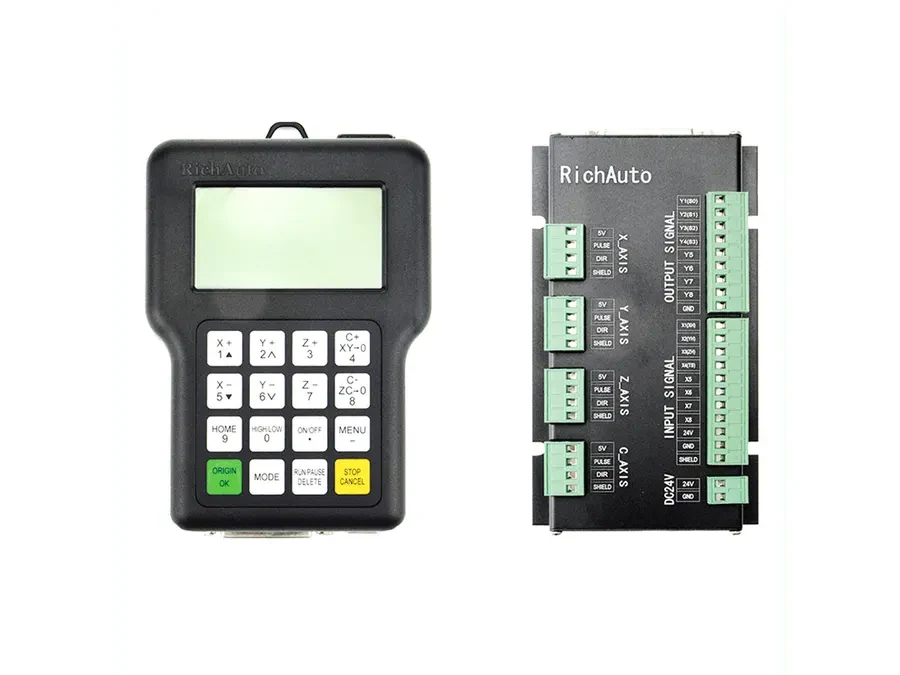
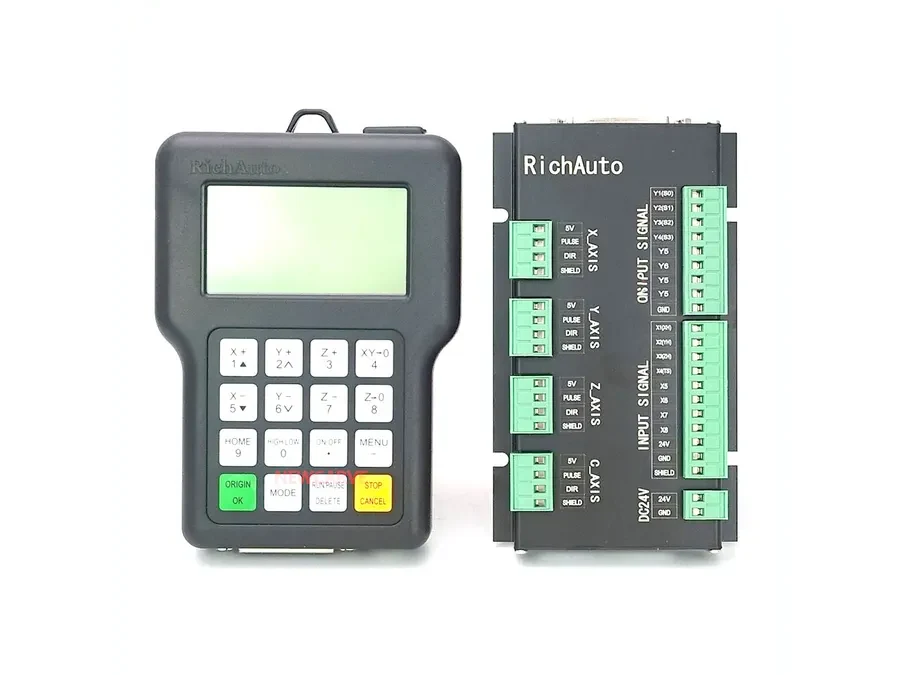
3-Axis vs 4-Axis CNC Controller: How to Choose
Choose a 3-axis or 4-axis CNC controller according to the movements your machine actually needs to control, then verify the machine type, wiring and configuration before selecting a specific model. A fourth axis may be a rotary axis or another machine-specific motion arrangement, so axis count alone is not enough to confirm controller compatibility.
What Does 3-Axis vs 4-Axis Mean?
For controller selection, the axis count describes how many machine axes the control system is intended to manage within its supported application.
A machine requiring three controlled axes should be evaluated against controllers designed for that type of three-axis configuration. Machines that need an additional controlled movement require a controller designed around four-axis operation.
The fourth axis is often associated with rotary machining. However, a CNC rotary axis controller should never be selected simply because the machine has a rotary component. Machine builders can use additional axes in different ways, and the controller still has to match the actual wiring and machine setup.
This distinction becomes especially important when replacing an existing controller. Two systems described as “4-axis” can still have different installation requirements.
Which RichAuto Models Fit These Categories?
The relevant RichAuto models cover several different machine applications.
The A132 is a 2-3 axis lathe controller. It should therefore be considered in the context of lathe applications that require two or three controlled axes.
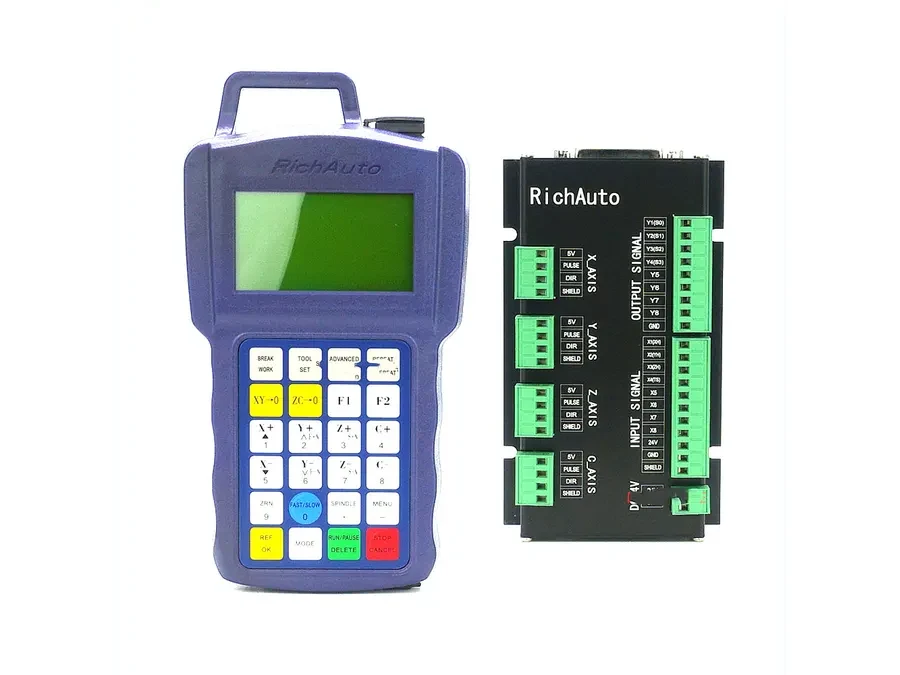
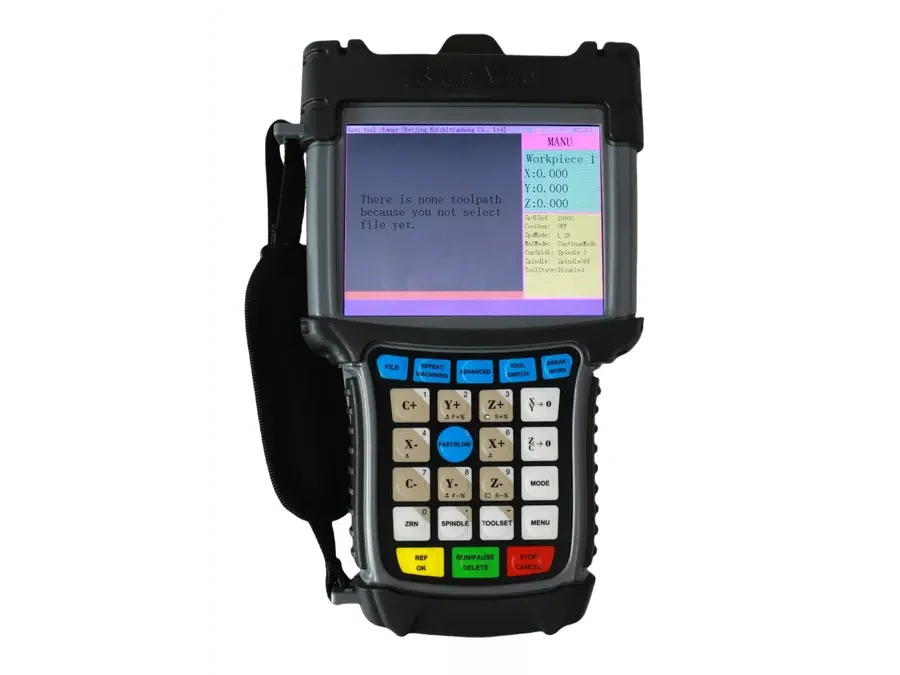
For four-axis-oriented applications, the related models include A18, B18, B58 and F141.
The F1410 supports 3-4 axis stone work, making it relevant where a stone-processing machine may use either three-axis or four-axis configurations.
These classifications help narrow the search, but they do not establish interchangeability between models. Before selecting any RichAuto 4-axis controller, the complete machine configuration still needs to be checked.
When Does a Fourth Axis Make Sense?
A fourth axis is relevant when the machine needs an additional controlled movement beyond its basic three-axis configuration.
Rotary-axis applications
A common example is a machine equipped with a rotary axis. Rotary movement can allow the workpiece or another part of the machine to rotate as part of the machining process.
If your requirement specifically involves rotary motion, begin by identifying exactly how that axis is used. Record the existing controller model, machine type, axis arrangement and wiring before comparing replacement options.
Machine-specific fourth-axis configurations
Do not assume that every four-axis machine uses the fourth axis in the same way. The additional axis may form part of a machine-specific design.
This is why a request such as “I need a 4-axis controller” usually provides too little information for a reliable compatibility decision.
How to Choose Between 3-Axis and 4-Axis Control
Use the following sequence before selecting a controller.
Identify the machine type. Determine whether the controller is for a lathe, stone-processing machine or another CNC application.
Count the controlled axes. Confirm how many axes the machine actually needs the controller to manage.
Identify the fourth-axis function. If there is a fourth axis, determine whether it is rotary or part of another machine-specific arrangement.
Record the existing controller model. For replacement projects, the current controller information provides important compatibility evidence.
Document the wiring and machine setup. Axis count does not confirm that a replacement controller can connect to the existing machine.
Compare the appropriate model family. For example, A132 is intended for 2-3 axis lathe control, while A18, B18, B58 and F141 are four-axis-oriented options. F1410 should be considered for supported 3-4 axis stone applications.
Confirm compatibility before ordering. Provide the machine and wiring information for review when the replacement path is uncertain.
Common Selection Mistakes
One common mistake is treating “3-axis” or “4-axis” as a complete controller specification. It only answers one part of the selection question.
Another is assuming that adding a rotary axis automatically makes any four-axis controller suitable. The controller still needs to correspond with the machine’s application and installation configuration.
Replacement projects require particular care. A controller with the required number of axes may still need further compatibility checks before it can be selected for an existing machine.
Information to Prepare Before Asking for a Recommendation
For a faster compatibility check, prepare the existing controller model, machine type, required number of axes, function of each axis, details of any rotary axis, and clear information about the current wiring and machine configuration.
Photos of the existing installation can also help communicate how the system is arranged, especially when the exact machine configuration is difficult to describe.
The practical rule for a 3-axis vs 4-axis CNC controller decision is simple: identify the required motion first, then confirm the controller against the complete machine setup.
For help comparing A132, A18, B18, B58, F141 or F1410, send your existing controller model, machine type, axis configuration and wiring information to info@cinkr.com for a compatibility check.