RichAuto Manuals, Wiring Diagrams and Firmware: A Safe Download Guide
If you need a RichAuto manual download, wiring diagram or firmware file, start by identifying the exact controller and the type of resource you need. Public manuals and general wiring references can be downloaded where they are provided, but revision-sensitive diagrams and RichAuto firmware should be checked against the exact model, hardware revision and current version before use. A matching product name alone is not enough evidence for a firmware update or revision-specific wiring decision.
Know Which Type of File You Need
RichAuto support resources can include manuals, wiring diagrams, software and firmware. These files serve different purposes, so identifying the correct category first reduces the risk of using a document outside its intended application.
A manual is normally the first reference when you need operating information, menu guidance or general setup information for a controller.
A RichAuto wiring diagram is more relevant when installing a controller, checking an existing machine or investigating connections. Some wiring information can be general to a product family, while other diagrams may depend on the controller hardware or machine configuration.
Firmware is more sensitive because the file must correspond to the controller being updated. Before considering a firmware change, confirm the exact controller model, its hardware revision and the firmware version currently installed.
Software resources should also be selected according to the controller and the task being performed rather than assumed to apply across different RichAuto platforms.
Step 1: Identify the Exact Controller
Record the complete model information before searching for documentation.
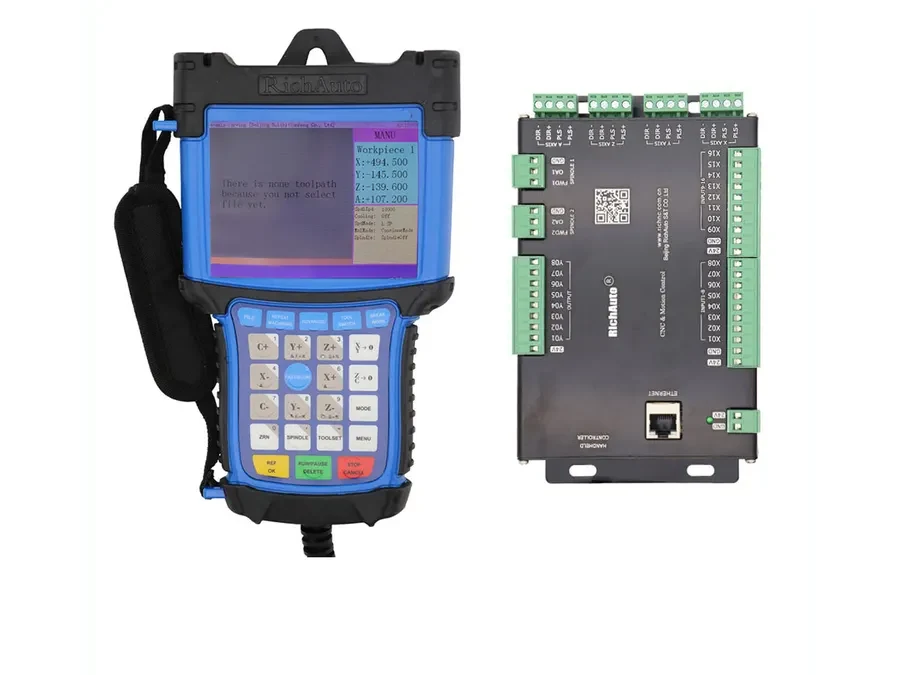
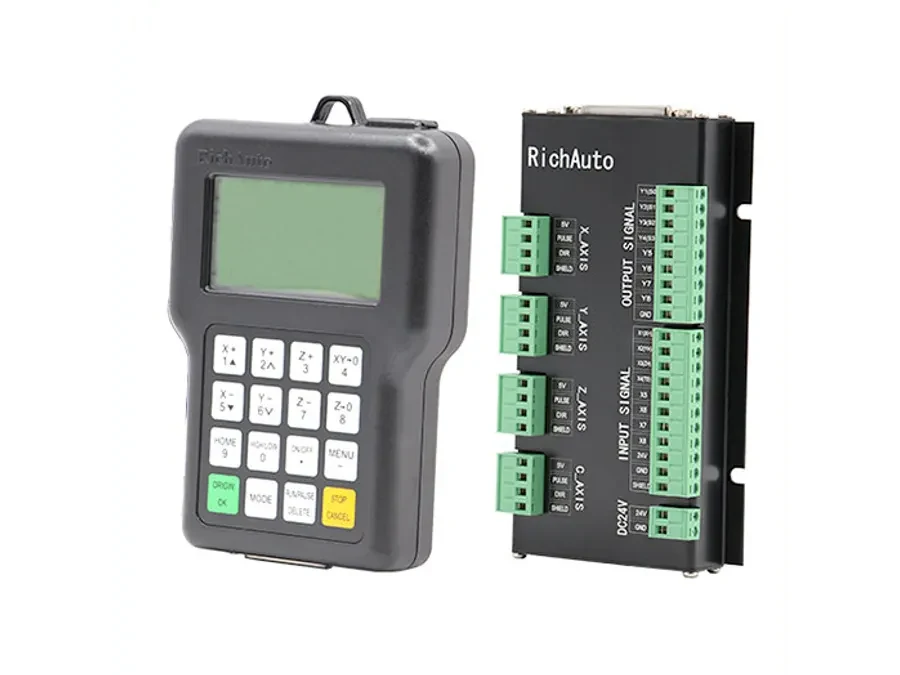
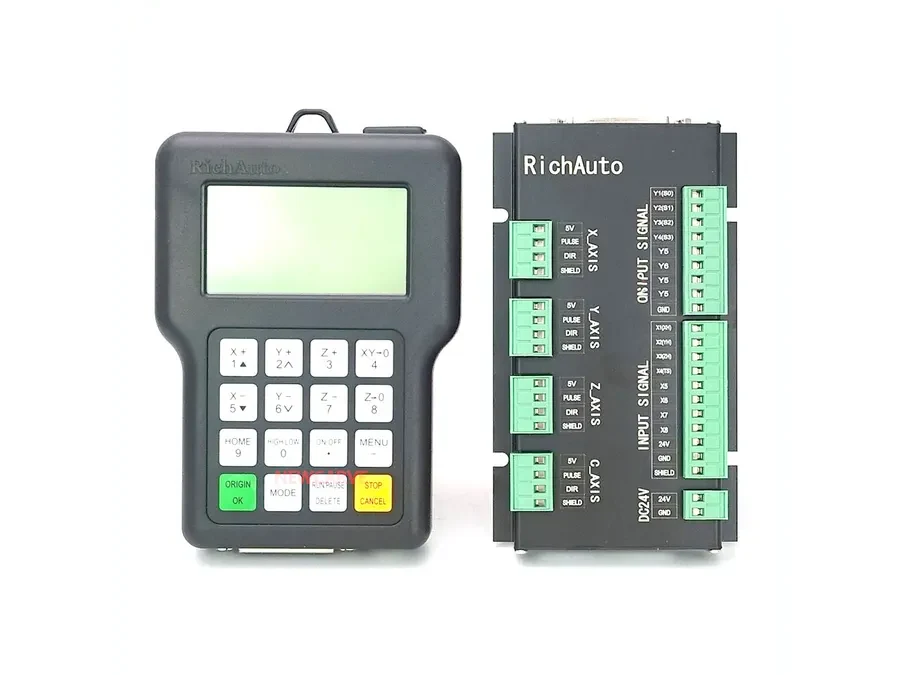
For example, a buyer working with an A11 should search for information specifically associated with that model. The same principle applies to controllers such as the A12 , B57 and F741 .
Do not treat controllers as equivalent simply because they share an axis count, similar enclosure or familiar RichAuto interface. Documentation for one model should not automatically be applied to another.
If you are working on an existing machine, keep a clear record of the controller identification before disconnecting components or changing software.
Step 2: Separate General Documents from Revision-Sensitive Files
The next question is whether the resource is general reference material or depends on a particular hardware configuration.
Public manuals and general wiring references can be used where the corresponding downloads are provided. These are useful starting points for understanding controller functions and typical installation requirements.
Revision-sensitive wiring diagrams require more care. A diagram with the correct product family name may still need verification if the hardware implementation differs from the controller installed on the machine.
The same caution applies even more strongly to firmware. Do not select RichAuto firmware simply because the filename or model name appears similar.
Step 3: Check Firmware Before Updating
Before using any firmware file, collect three pieces of information:
The exact RichAuto controller model.
The hardware revision or other available hardware identification.
The firmware version currently installed.
Compare those details with the firmware resource being considered. If the match cannot be confirmed, stop before performing the update and request verification.
Do not assume that a newer-looking file is automatically appropriate. Release numbers, compatibility ranges and update procedures should come from the documentation associated with the specific file. If those details are unavailable or unclear, obtain confirmation before proceeding.
Firmware updating and normal configuration work should also be treated as separate tasks. Changing settings does not establish that a particular firmware package is compatible with the controller hardware.
Step 4: Verify Wiring Before Replacing or Retrofitting
A RichAuto wiring diagram is particularly important when replacing a controller or integrating one into a new CNC machine.
Before relying on a diagram, compare it with the actual controller, interface hardware and machine wiring. Photographing or recording the existing installation can provide useful evidence when requesting compatibility assistance.
For retrofit projects, send the controller model together with clear information about the machine and the relevant wiring or interface hardware. This gives the supplier more useful evidence than asking whether two controllers are compatible based only on their model names.
Download and Verification Checklist
Before downloading or using a RichAuto support file, check the following:
Confirm the exact controller model.
Decide whether you need a manual, wiring diagram, software or firmware.
Use public manuals and general wiring references where they are provided.
Check whether the diagram is revision-sensitive.
For firmware, record the hardware revision and current version.
Do not use a firmware file when its hardware match is uncertain.
Keep the existing machine configuration and wiring information available for comparison.
Request verification when documentation does not clearly match the installed controller.
When to Ask for Compatibility Confirmation
If you cannot determine whether a firmware file or wiring diagram applies to your controller, provide the available identification information before making changes.
This is especially important when working with older equipment, replacement controllers or machines whose original documentation is incomplete. Clear model and hardware information makes it easier to identify the appropriate reference material without relying on assumptions.
For help checking a RichAuto manual, wiring diagram or firmware resource against your controller, send the exact model, hardware revision, current firmware version and relevant machine details to info@cinkr.com .