RichAuto A11 Blank Screen: Safe Checks Before Replacement
A RichAuto A11 blank screen does not automatically mean that the handheld controller has failed or should be replaced. Before ordering another unit, record exactly what the A11 does when the machine is powered, check the accessible power and wiring conditions, and distinguish a completely inactive controller from a display-only problem. Avoid guessing at voltages, changing wiring or attempting undocumented repair procedures.
The purpose of these checks is to gather enough evidence to decide whether further troubleshooting is reasonable and, if replacement is being considered, whether the existing installation has been identified correctly.
Start by Defining the Blank-Screen Symptom
“Blank screen” can describe several different situations. Accurate symptom information makes A11 troubleshooting much more useful.
With the machine in its normal operating configuration, note what you actually observe:
Is the display completely dark?
Does anything appear briefly during startup?
Is the screen illuminated but showing no readable information?
Does the symptom occur every time the machine is powered?
Did the problem appear suddenly, or after wiring, maintenance or other machine work?
Are there any other visible signs that the controller or machine has powered up?
Do not interpret these observations as proof of a specific internal failure. Record them as evidence.
A short video showing the controller before and during machine power-up can often communicate the symptom more clearly than a description such as “A11 does not work.”
- Safe Checks Before Considering Replacement
-
- Confirm the Power Situation
The local A11 troubleshooting reference includes power-related checks for blank-screen symptoms. Start with the machine’s existing documented power arrangement and inspect only what can be checked safely.
Determine whether the controller is receiving power through the expected machine connection. Look for obvious evidence such as a disconnected plug, disturbed connection or visible damage.
Do not apply an assumed voltage to the A11. Do not use voltage values taken from an unrelated controller or another machine unless they are confirmed for the installation being inspected.
If electrical measurements would require access to energized equipment and you are not qualified to perform that work, stop and have the machine checked by a suitably trained technician.
2. Inspect the Display and Handheld Unit
Check the RichAuto A11 itself for visible evidence that may help identify the problem.
Look for damage to the display area, enclosure, connectors and cable. Note whether the controller has been dropped, exposed to unusual mechanical stress or recently disconnected.
A dark display alone does not identify whether the underlying issue is related to power delivery, the display, wiring, the handheld unit or another part of the installation.
3. Check Accessible Wiring and Connections
Wiring should be inspected against the actual machine configuration.
Look for connectors that are loose, partially inserted, damaged or recently changed. Photograph the connections before disturbing anything. If labels, interface boards or connector markings are visible, include them in the photos.
Avoid moving wires simply to “see if it works.” Unrecorded wiring changes can make the original fault harder to identify and may create an additional problem.
What Evidence Should You Collect?
Before contacting a supplier or considering another controller, prepare a small evidence package.
A useful A11 troubleshooting record includes:
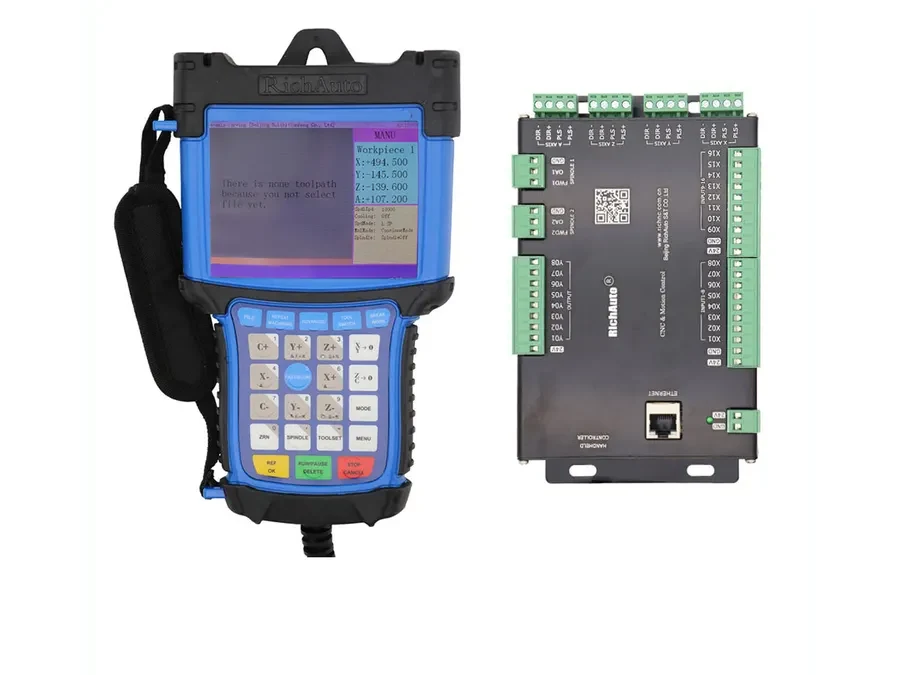
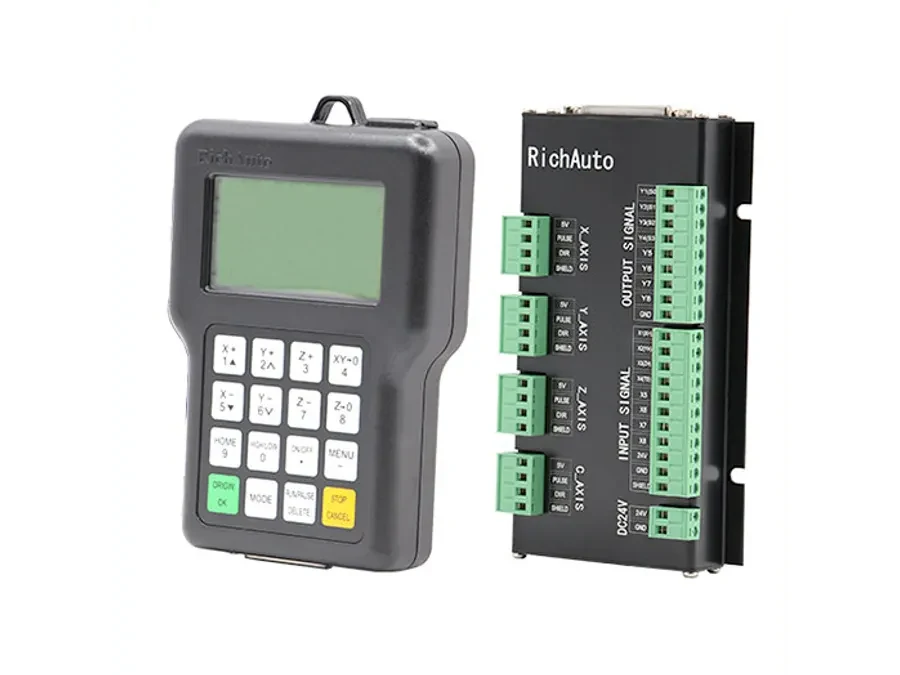
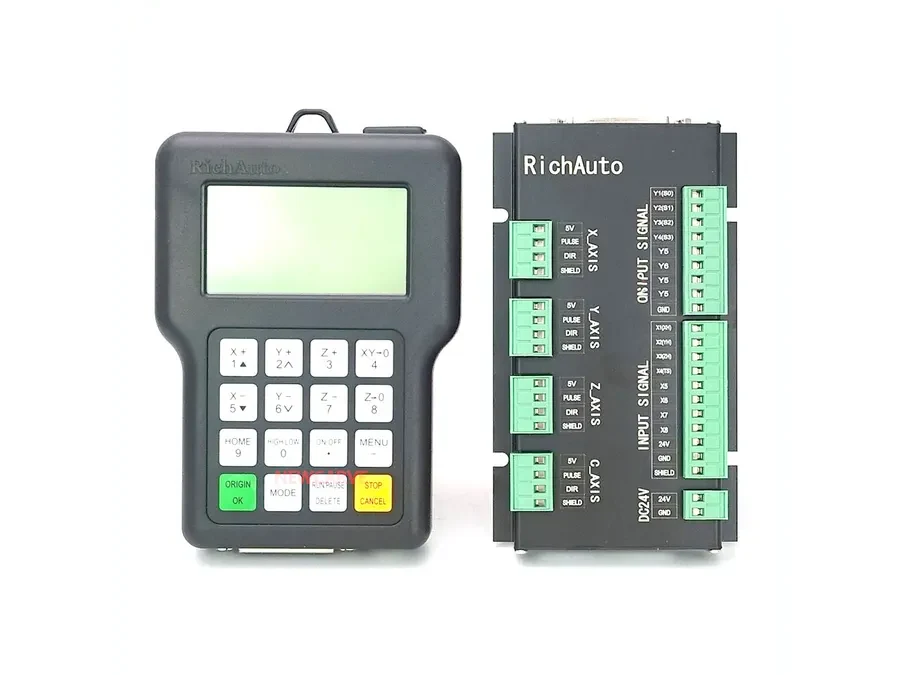
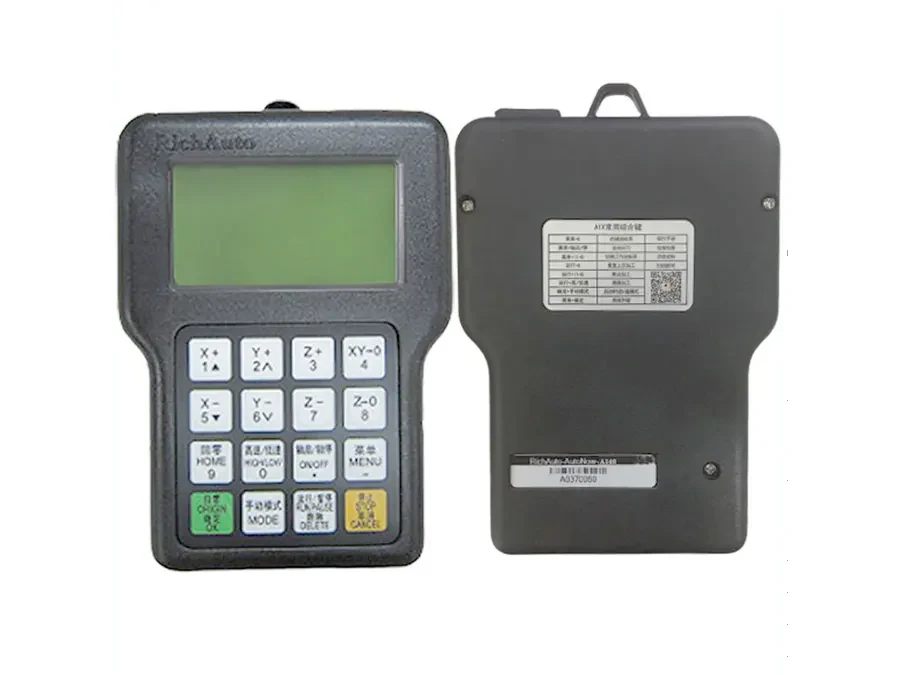
Clear photos of the front and rear of the handheld controller.
A readable photo of the A11 model identification.
Photos of the controller cable and connectors.
Photos of the interface board and related wiring where accessible.
A short description of what the display does during startup.
Information about any recent machine maintenance or wiring changes.
A short startup video if the symptom can be reproduced consistently.
This information is especially important when the machine is older or its wiring history is uncertain.
Should You Try a Reset?
The A11 reference includes reset and setup topics, but a reset should not be treated as a universal fix for a blank display.
If the screen is completely unavailable, do not invent a button sequence or follow an undocumented procedure taken from another RichAuto model. Controller families and machine configurations can differ.
If the unit becomes readable and a reset or setup question remains, confirm the appropriate procedure for the specific A11 installation before changing configuration data.
When Should Troubleshooting Stop?
Stop experimenting and request technical review when the available evidence no longer supports a safe next step.
That point has usually been reached when power or wiring cannot be verified safely, connectors or boards show visible damage, the machine’s wiring history is unknown, or further testing would require undocumented electrical changes or internal repair work.
Replacement should also pause if the exact existing controller, interface board or connection arrangement has not been identified.
A model name by itself is not enough evidence to assume that another controller can simply be connected to the machine.
Before Ordering Another A11
If replacement is being considered, send the collected photos and machine information before purchasing. The objective is to confirm what is currently installed and whether the proposed controller matches the relevant connection requirements.
For information about the controller, see the RichAuto A11 product page.
For a compatibility check before replacement, send photos of the existing A11, its connectors, interface board and machine wiring details to info@cinkr.com.