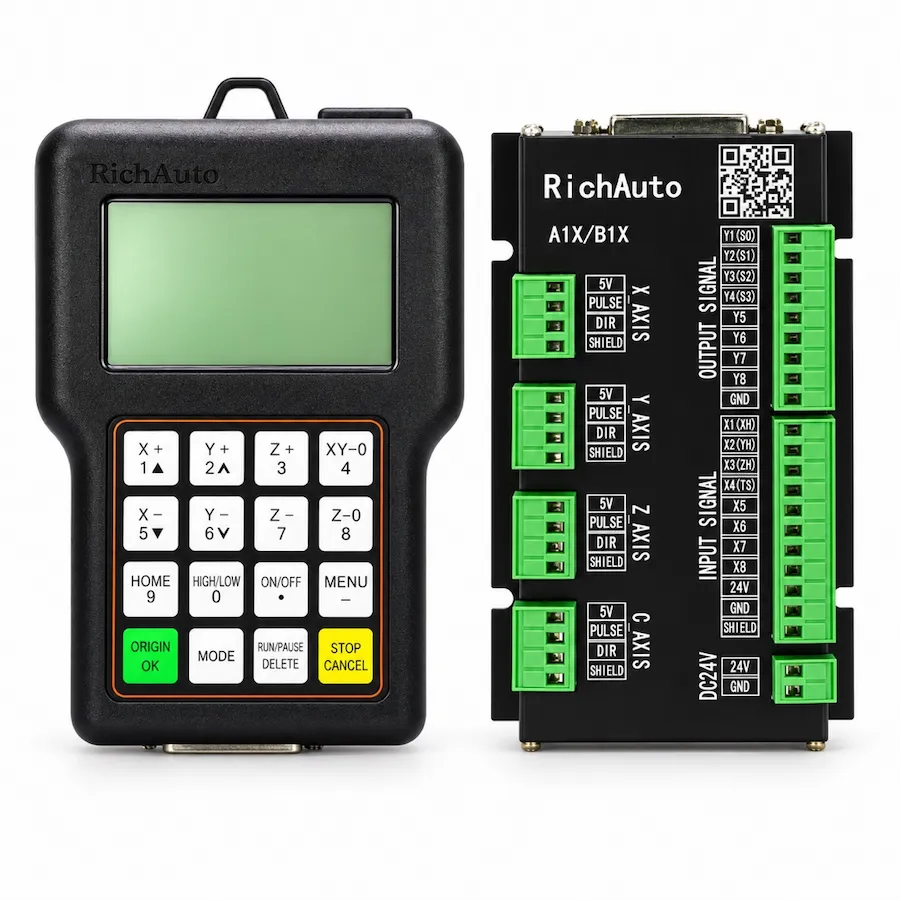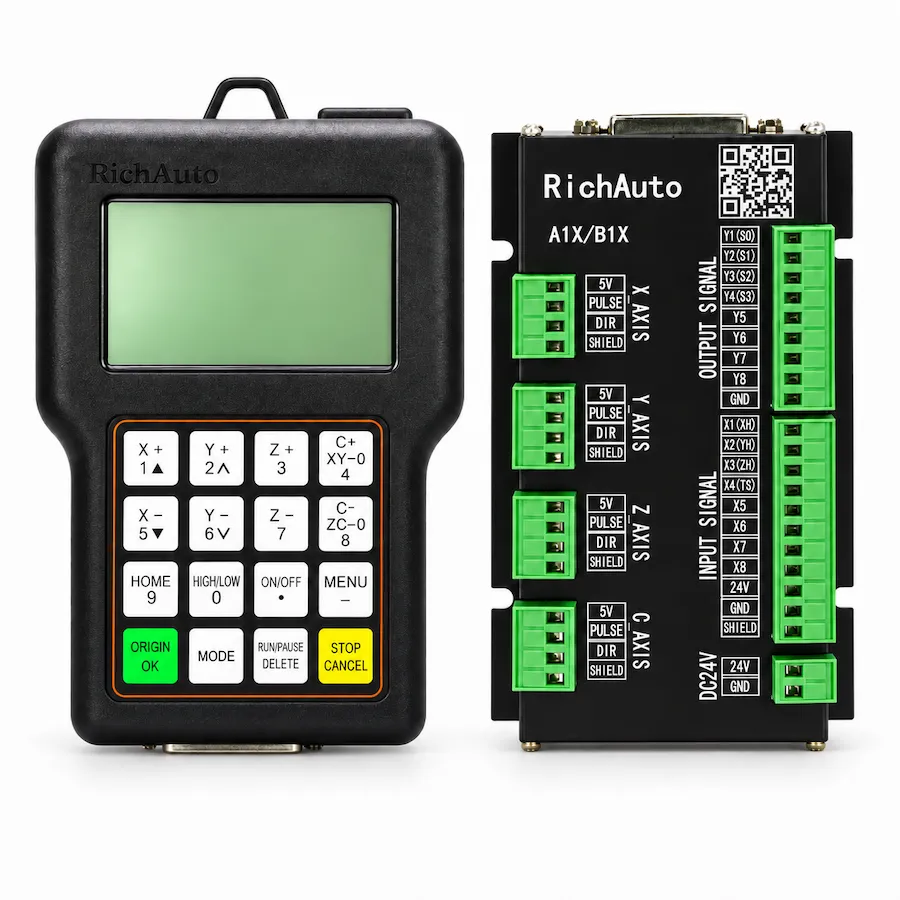
The A11 vs A18 decision is usually framed as a capability comparison, which makes the A18 look like the safer purchase. In practice the decision runs the other way: start with the motion the machine must produce, then choose the controller that supports it. A fourth axis that the machine cannot drive, wire or program is an unused feature that complicates setup.
This comparison sets out where the two models differ, what the fourth axis requires beyond the controller, and how to decide for a specific machine. The product pages carry the current configurations: A11 three-axis controller and A18 four-axis controller.
The Difference That Matters
Scroll horizontally to read all columns.
| Selection point | RichAuto A11 | RichAuto A18 |
|---|---|---|
| Controlled motion | Three-axis XYZ | Four-axis, adding a rotary axis |
| Typical machine | Flat routing and engraving | Rotary carving and cylindrical work |
| Mechanical requirement | Conventional three-axis gantry | Rotary mechanism plus its drive |
| Programming requirement | Three-axis toolpaths | Rotary toolpaths and matching output |
| Board and wiring | A1X interface board for the installed set | A1X board configured for the rotary drive |
| When it fits | Flat work, signs, panels, relief | Columns, legs, cylinders and similar work |
The shared family matters for service and documentation, not for interchangeability. Both models use the A1X range of boards and references, which is why they appear in the same manuals, but the installed board and wiring still decide what a specific unit can do.
What a Fourth Axis Requires Beyond the Controller
A rotary axis is a complete subsystem. Before the controller choice becomes relevant, four things have to exist.
- A rotary mechanism. The machine needs a chuck, a tailstock or another arrangement that holds and turns the work with acceptable runout.
- A drive for that axis. The rotary axis needs its own drive, matched to the motor and to the load it turns.
- Wiring and parameters. The drive signal, the direction, the units and the limits must be configured for the rotary arrangement.
- Programming output. The CAM output must command rotary motion in the way the machine is configured, and the post processor must match.
If any of those is missing, buying a four-axis controller does not create the capability. It creates a controller with an axis that cannot be used, which is a more expensive version of the same machine.
When Three Axes Are Enough
A three-axis controller suits work where the tool approaches the material from one direction and the table carries the workpiece in a plane. Signs, panels, cabinet parts, flat relief and most plate cutting fall into this group.
Choosing three axes is not a compromise in those cases. It keeps the setup simpler, reduces the parameters that can be misconfigured, and matches the programming the machine already uses. A flat-panel workflow that adds a rotary axis usually gains setup time rather than capability.
The three-axis versus four-axis guide covers the machining cases in more detail, including the difference between continuous rotary motion and indexed positions.
When Four Axes Solve a Real Problem
Rotary work changes the geometry of the job. Carved columns, table legs, chair parts and cylindrical components need the workpiece to turn while the tool cuts. That is a genuine requirement, and a three-axis machine cannot substitute for it by re-fixturing.
Two rotary modes appear in practice. Continuous rotation suits work where the axis turns steadily during cutting. Indexed positioning suits work where the axis turns to a position and then holds while the tool cuts. The machine, the drive and the program must agree on which mode is in use.
The A18, B18 and B58 comparison covers the four-axis range when rotary work is confirmed, including the differences between the models.
How the Machine Layout Affects the Choice
The physical arrangement of the machine often settles the question before the specification does. A gantry router with a fixed table and a vertical spindle is built for flat work; the same frame with a rotary chuck and tailstock is built for cylindrical work. Adding a controller does not change which of those machines exists.
Where the machine is a flat-bed router, the fourth axis has nowhere to sit. It needs a mounting, a drive and a work-holding arrangement, and the tool has to reach the work at the right angle. Those are mechanical decisions that precede the controller.
Where the machine is a dedicated rotary machine, the opposite applies: the motion requirement already exists, and the controller choice is about matching it. Reading the machine layout first prevents a specification discussion that has no mechanical basis.
What Changes on the Shop Floor
The choice changes the daily routine as much as the specification. A three-axis machine is set up with a flat work origin, and the operator checks the tool length and the work position before each job. A four-axis machine adds a rotary reference: the chuck has to be indicated, the axis zeroed and the work-holding checked for runout before the first cut.
That extra setup is worth it when the work needs it, and it is pure overhead when it does not. A shop that runs flat panels most of the week and one carved column a month should weigh the changeover cost, not just the capability.
Tooling and programming follow the same pattern. Rotary work needs the tool to reach the work from the correct direction, and the toolpaths have to be produced for the rotary arrangement. Neither of those is solved by the controller.
Cost, Setup and the Upgrade Path
A four-axis machine costs more than the controller difference. The rotary mechanism, the drive, the wiring work and the programming effort are the larger items, and they exist whether the controller is replaced or not.
That changes how an upgrade should be planned. If the machine already has a rotary axis and a working drive, replacing the controller is a compatibility question. If the machine does not have one, the project is a machine build with a controller component, and it should be scoped as such.
A staged approach is often sensible: confirm the flat work first, then plan the rotary addition as a separate project with its own mechanical, electrical and programming scope. The controller choice follows that plan rather than leading it.
A Short Decision Sequence
Scroll horizontally to read all columns.
| Question | If yes | If no |
|---|---|---|
| Does the work require the workpiece to rotate during cutting? | Continue to the rotary checks | A three-axis model is the direction |
| Is a rotary mechanism already installed and serviceable? | Confirm its drive and wiring | Scope the mechanical work first |
| Is there a drive and wiring for the rotary axis? | Confirm the signal type and parameters | Include them in the project |
| Does the CAM output support the rotary arrangement? | Confirm the post processor | Plan the programming change |
| Is the machine expected to run both flat and rotary work? | Plan the changeover and setup | Choose the configuration the work needs |
Working through those five questions produces a decision that survives installation. Skipping them produces a purchase that has to be revisited.
What to Send Before Ordering
For a three-axis requirement, send the machine type, axis configuration, drive arrangement and board photographs. For a rotary requirement, add the rotary mechanism, its drive, the intended mode and the CAM output.
Those details let a supplier confirm the board and the wiring set rather than infer them from the model name. If the machine is being repaired rather than specified, start from the controller not working guide so a fault is separated from a capability decision.