How to Reset a RichAuto DSP Controller Safely
To reset a RichAuto DSP controller safely, first record the exact controller model, current settings, machine configuration, wiring information and firmware details. Then confirm the reset procedure for that specific model before making any changes. A RichAuto controller reset should not be treated as a universal procedure, and resetting the controller is separate from upgrading its firmware.
For CNC owners and machine builders, the main risk is often losing useful setup or compatibility evidence before the original condition has been documented. A few minutes of recording information can make troubleshooting, reconfiguration or replacement much easier later.
Before You Reset a RichAuto DSP Controller
Do not begin with a key combination found in an unrelated manual, video or forum post. RichAuto DSP controllers cover different models and machine configurations, so first identify exactly what is installed.
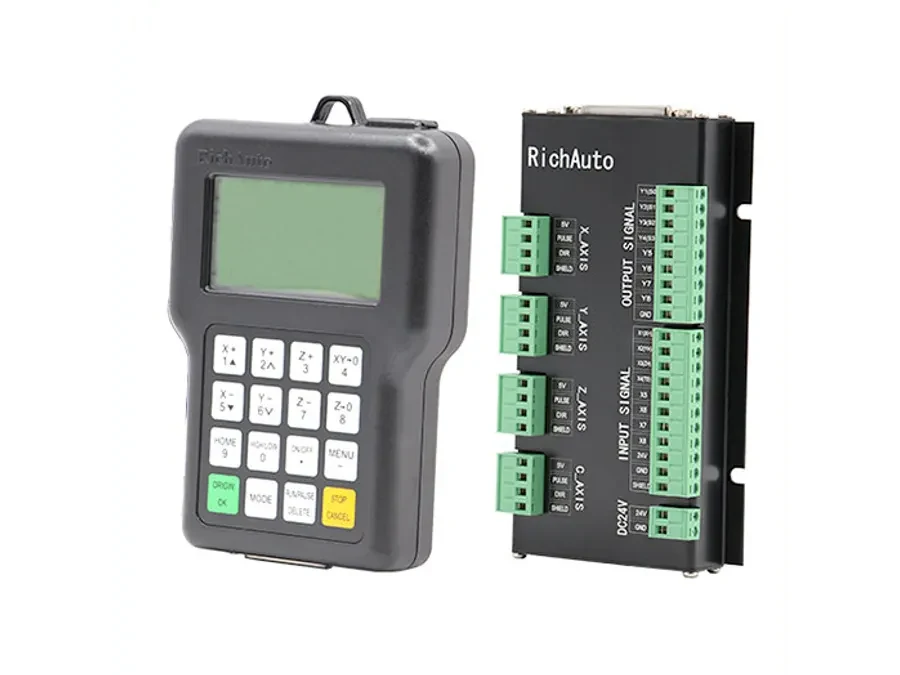
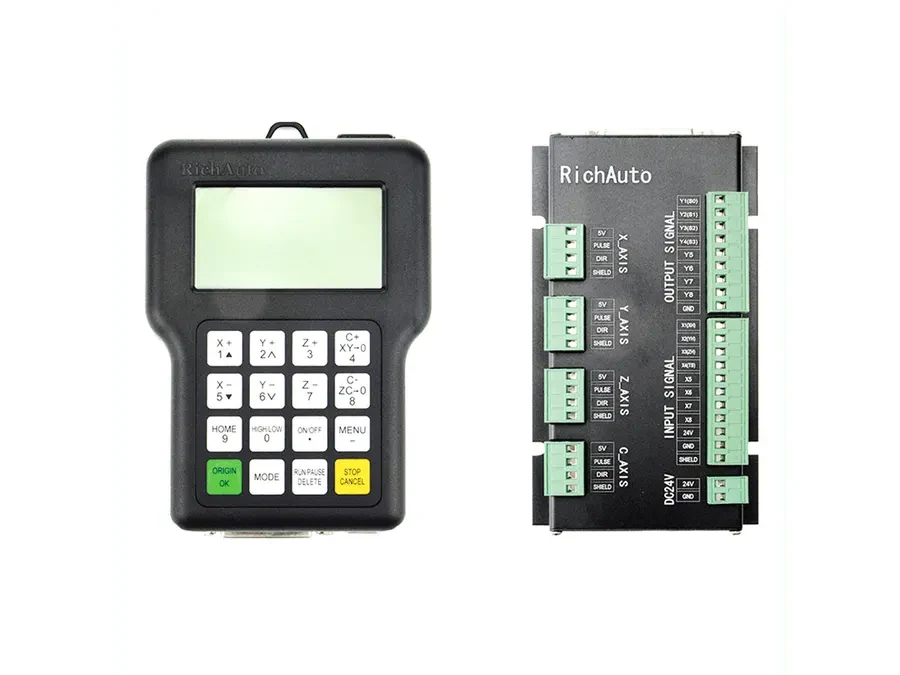
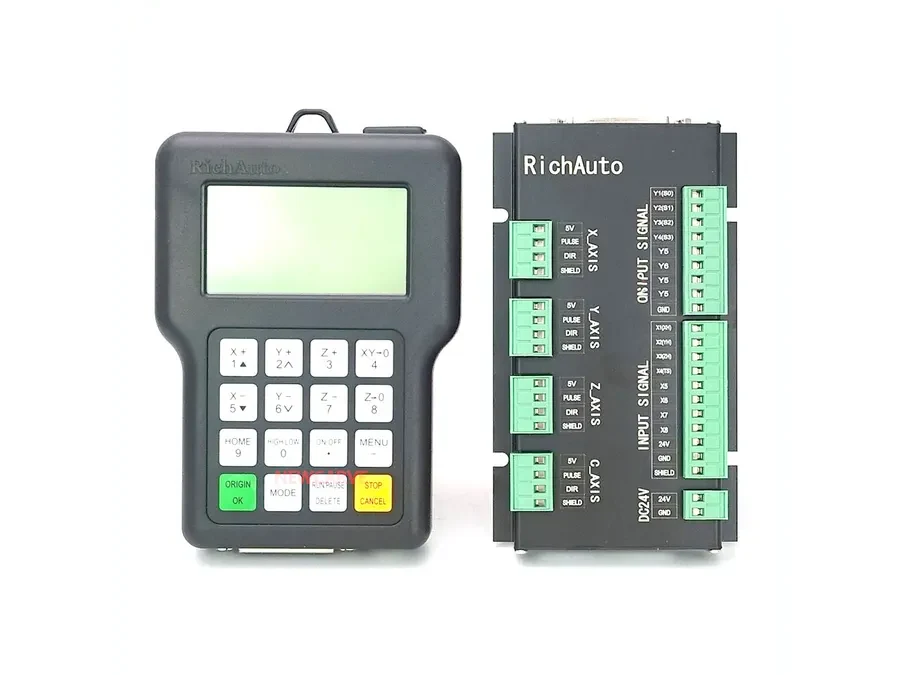
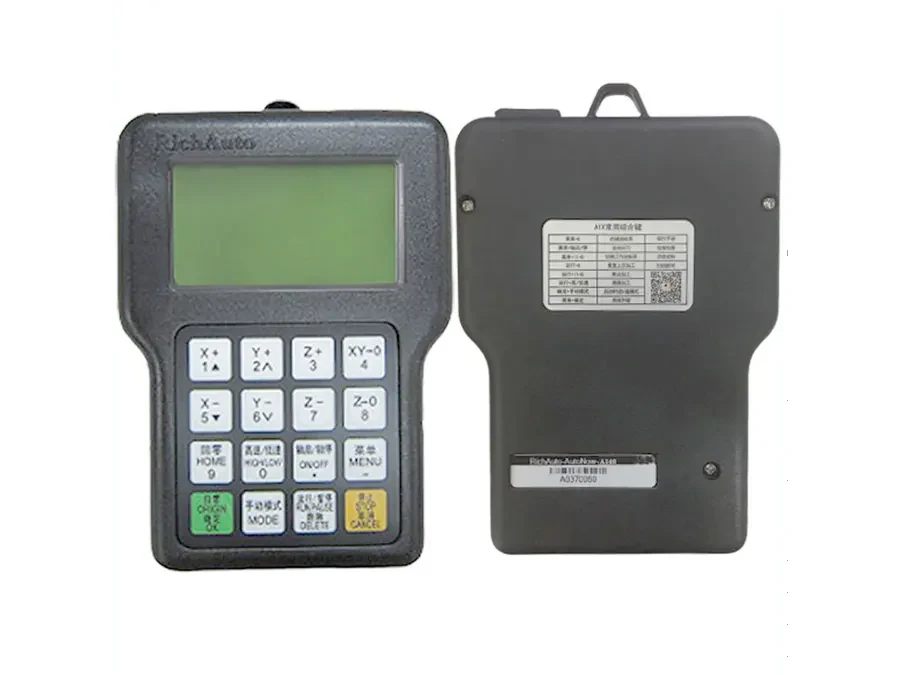
For controllers such as the RichAuto A11 , A11 PLUS , A12 and A18 , use the model identification on the actual controller and available machine documentation as your starting point.
Before changing anything, record:
The complete controller model identification.
The current controller settings that can be viewed or recorded.
The machine type and its current configuration.
The number and arrangement of controlled axes.
Wiring and interface information associated with the controller.
Firmware information currently shown or documented.
Any known symptoms that led you to consider a reset.
Photos are useful when they clearly capture labels, connectors, wiring positions and relevant screens. Written notes or screenshots of setup pages can provide additional evidence when a machine needs to be configured again.
Resetting and Firmware Upgrading Are Different Procedures
A RichAuto controller reset and a firmware upgrade should be treated as separate operations.
A reset concerns the controller’s configuration or operating state according to the procedure defined for that model. A firmware upgrade changes controller software and introduces a different set of risks and requirements.
If your objective is simply to troubleshoot unusual behavior, do not assume that firmware work is required. Likewise, instructions for firmware installation should not be used as substitutes for reset instructions.
Separating these two procedures helps prevent unnecessary changes while you are diagnosing the machine.
Safe RichAuto Controller Reset Decision Steps
Step 1: Identify the Exact Model
Confirm whether the controller is an A11, A11 PLUS, A12, A18 or another RichAuto model.
Do not rely only on the appearance of the handheld unit. Record any available model information before proceeding.
Step 2: Preserve the Current Setup
Document the existing RichAuto setup before changing parameters or initiating a reset.
Pay particular attention to information that may later help establish how the controller was configured for the machine. Do not assume the reset process will preserve every setting.
Step 3: Record the Machine Configuration
Controller settings only make sense in the context of the machine.
Record the machine type, axis configuration, wiring arrangement and relevant interface information. If you later need help restoring the system, this information may be as important as the controller model itself.
Step 4: Record Firmware Information
If firmware information is available, save it with the rest of your documentation.
This creates a clearer record of the controller’s condition before the reset and helps avoid confusion between configuration changes and firmware-related changes.
Step 5: Confirm the Correct Reset Instructions
Find the instructions that apply to the exact RichAuto controller model.
Avoid assuming that a key sequence or menu procedure used for one DSP controller applies to another. There is no safe reason to invent or generalize a reset sequence when the exact model procedure can be confirmed first.
Step 6: Reset Only After the Evidence Is Saved
Once the original configuration has been documented and the correct procedure has been confirmed, follow the model-specific instructions carefully.
Afterward, compare the controller’s condition with the information you recorded before the reset. This gives you a reference when checking setup changes or investigating whether additional configuration is required.
When Should You Stop Before Resetting?
Pause the reset process if you cannot confidently identify the controller, cannot document the existing configuration, or do not have instructions that clearly apply to your model.
The same caution applies when a controller is being considered for replacement. Model names alone do not provide a complete picture of machine compatibility. Preserving the existing wiring, configuration and firmware evidence gives you more useful information for evaluating the next step.
Pre-Reset Checklist
Before resetting a RichAuto DSP controller, confirm that you have:
Identified the exact controller model.
Recorded the current settings.
Documented the machine and axis configuration.
Saved useful wiring and interface information.
Recorded available firmware information.
Kept photos or screenshots where useful.
Confirmed instructions for the exact controller model.
Separated the reset procedure from any firmware upgrade work.
If any of these points are missing, collect the information before changing the controller.
Need Help Confirming Compatibility?
If you are troubleshooting, resetting or preparing to replace an A11, A11 PLUS, A12 or A18, keep the original setup evidence available. Send the controller model, machine configuration, wiring information, firmware details and relevant photos to info@cinkr.com so CINKR can review the information needed for a compatibility check.