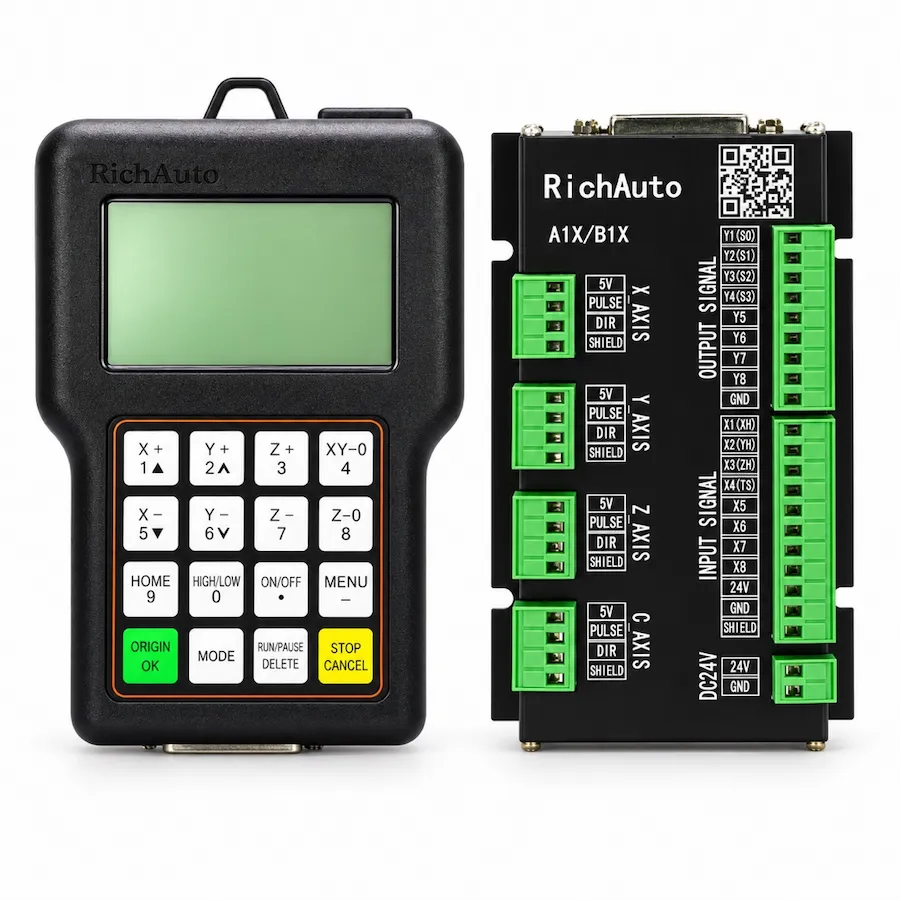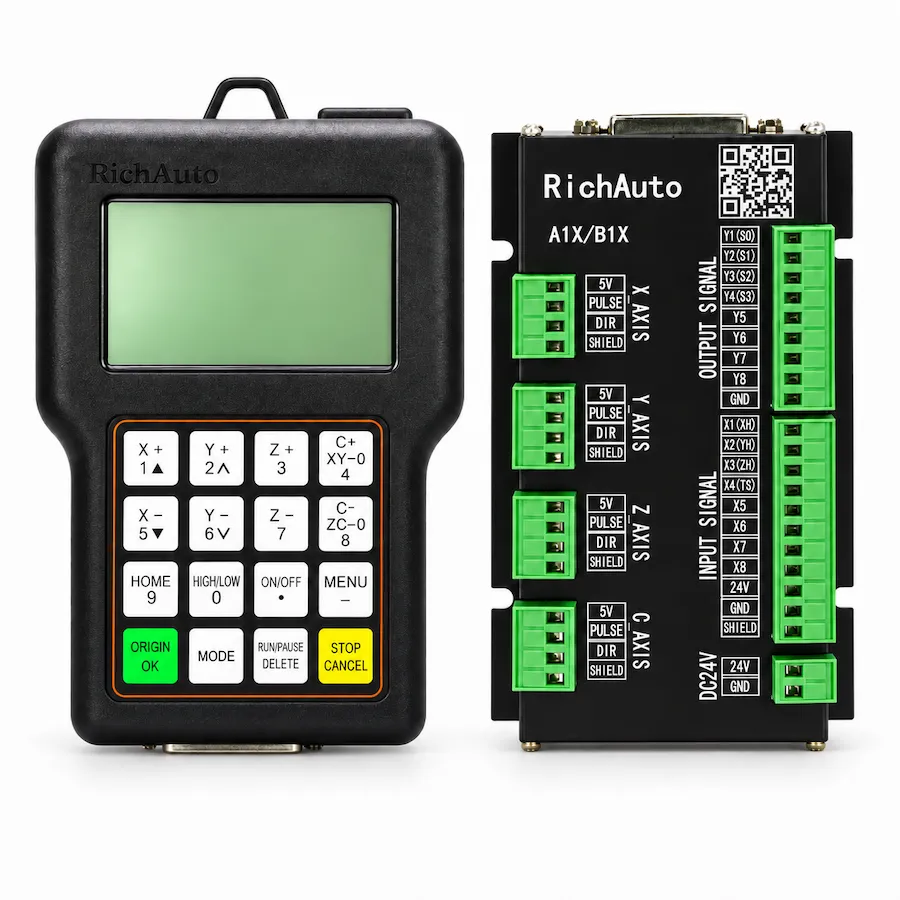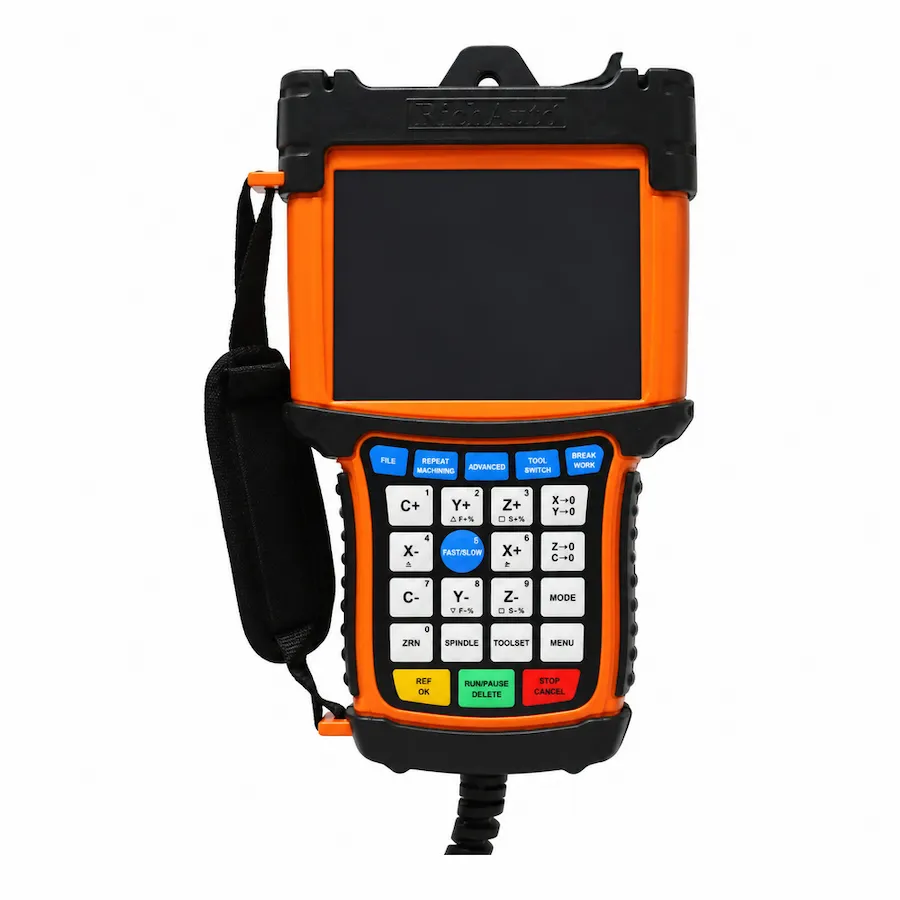
A listing that shows RichAuto A11E and a listing that shows RichAuto A11 can describe the same three-axis controller. The trailing letters are designations within a controller range, and they are used inconsistently across catalogues, marketplaces and machine builders’ paperwork. Reading them as separate machine classes is one of the most common reasons a buyer orders a controller that does not match the installation.
This guide explains how the designations relate, what to record from an existing unit, and where the suffix genuinely matters. It does not replace checking the label, the interface board and the firmware on the unit you are buying or replacing.
The Designations You Will See
The A1X and B1X/B5X families are sold in several designations. The table below separates what a marking tells you from what it does not.
Scroll horizontally to read all columns.
| Model Designation | Keypad Faceplate Language |
|---|---|
| Base Model (e.g., A11, A18, B57) | Base motion controller platform designation |
| Suffix “E” (e.g., A11E, A18E, B57E) | English-only keypad faceplate (Standard export variant) |
| Suffix “S” (e.g., A11S, A18S, B51S) | Bilingual (Chinese + English) keypad faceplate |
| Suffix “C” (e.g., A11C, A15C, B58C) | Bilingual (Chinese + English) keypad faceplate |
| AutoNow Brand Marking (e.g., AutoNow A11E) | Co-branded export marking on the identical controller family |
Across all RichAuto model families, units sharing the same primary model designation share the exact same internal motion processor, circuit architecture, breakout board terminal wiring, pulse output frequencies, and control firmware. The letter E denotes an English-only keypad faceplate and default English menu settings intended for global markets, while S and C denote bilingual faceplates with dual Chinese and English character markings. Suffixes do not represent different performance tiers, hardware revisions, or machine capabilities.
Why Listings Treat the Letters as Separate Models
Marketplace catalogues are built from supplier titles, not from a single naming standard. When one supplier writes “A11E” and another writes “A11”, both entries can persist for years, each with its own photographs and price. Machine builders add a third variation by printing the designation they received on the machine’s documentation.
The result is a search environment where several names point at one controller family, and where the same name can occasionally point at different hardware revisions. Buyers then compare listings by title, which is exactly the comparison that cannot establish compatibility. Comparing the label and board is slower, but it is the only comparison that survives a replacement order.
This is also why a suffix should not be turned into a separate product page. One page that explains the range and the verification steps serves a buyer better than several thin pages that repeat the same specifications under different letters.
Four Steps to Identify the Unit You Have
The identification routine below works for a controller already on a machine and for a unit being offered by a supplier.
- Photograph the controller label. Capture the full label, including any revision or batch marking, rather than cropping to the model name.
- Photograph the interface board. Record the board marking, connector types, terminal labels and the power-input arrangement.
- Record the keypad and display. Keypad language and layout vary between designations, and photographs prevent a wrong part arriving after delivery.
- Record the firmware version. Note the version shown by the controller or supplied with the package, and keep any parameter backup with it.
Those four records answer the questions a quotation actually depends on: which controller, which interface, which firmware branch and which parameter set. The designation on the front of the unit is a useful label, not a substitute for the four records.
What the Suffix Changes and What It Does Not
A suffix distinguishes the keypad faceplate language—specifically whether button legends are silkscreened purely in English (E suffix) or display bilingual Chinese and English characters (S and C suffixes). That distinction matters at the point of ordering because providing operators with their preferred keypad language prevents confusion on the factory floor.
A suffix does not alter the underlying motion firmware kernel, electrical breakout board interfaces, pulse frequencies, or machine capabilities. An A11E, A11S, and A11C execute the identical three-axis interpolation routines; an A18E, A18S, and A18C share the exact same four-axis simultaneous motion algorithms. Where a machine requires a rotary axis, automatic tool changing, or multi-head switching, that functional capability belongs to the core model number, not to the language suffix.
Use the product page for the range you are considering, such as the A11 three-axis controller, the A18 four-axis controller or the B57 ATC controller, and treat the suffix section there as the naming reference for that model. The controller buying guide covers how to narrow the range before naming becomes relevant.
Common Ordering Mistakes
The same three mistakes appear repeatedly in replacement enquiries.
- Ordering by title only. A listing titled with a suffix may show a photograph of a different board revision. Ask for the board photograph before paying.
- Assuming a suffix means an upgrade. A different letter can indicate a market or language designation. It is not a performance tier, and it does not imply a newer generation.
- Reusing parameters without recording them. Parameters belong to the machine as much as to the controller. Record them before removing the old unit, even when the replacement carries the same designation.
A fourth mistake sits on the supplier side: publishing a suffix as a separate model and repeating the same specification content. That fragments the information a buyer needs and makes the range harder to compare.
How a Supplier Should Answer a Naming Question
A useful answer describes the range, the label and the board rather than repeating the suffix. Ask three things of any supplier: which controller range the unit belongs to, which interface board is installed, and which firmware version is supplied. A reply that only repeats the model name has not answered the question.
The same standard applies to documentation. A document is useful when it matches the installed board and version, not when it carries the right title. Where the supplied document and the label disagree, the label wins and the document should be replaced before any wiring work begins.
This is also why a naming page should stay short on speculation. The designations are a description problem, and the description is settled by evidence from the unit. Everything else is a catalogue convention that varies between suppliers.
Before You Order a Suffixed Unit
Prepare the following information and the naming question usually resolves itself:
Scroll horizontally to read all columns.
| Record | Where to find it | Why it matters |
|---|---|---|
| Controller label | Rear or side of the controller | Identifies the designation and revision |
| Interface board marking | Inside the control cabinet | Establishes the wiring requirement |
| Keypad language and layout | Front of the controller | Prevents a wrong part arriving |
| Firmware version | Controller information or supplied package | Matches the update path |
| Axis and spindle parameters | Existing parameter backup | Preserves the machine setup |
| Machine application | Machine documentation or photos | Confirms the range is suitable |
Send those records with the enquiry. A supplier who can compare them against the supplied hardware will answer the naming question and the compatibility question at the same time, which is the outcome the suffix discussion is really about.
If the machine is being repaired rather than replaced, start with the symptom instead. The controller replacement checklist covers the evidence to collect before deciding that the controller is the failed part.