RichAuto B58 and 4-Axis Rotary Controllers: Choosing the Right Fit
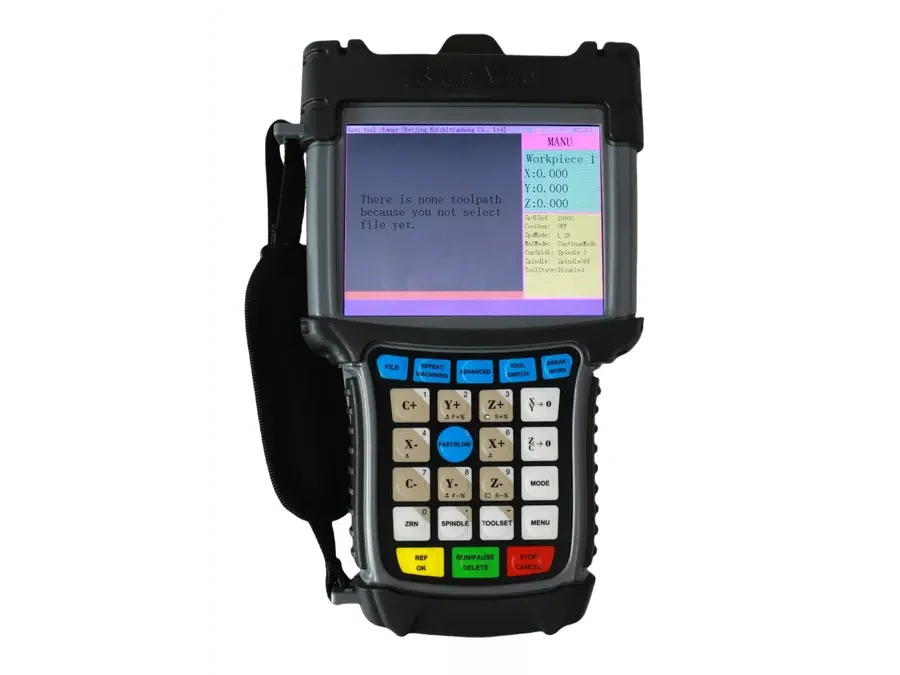
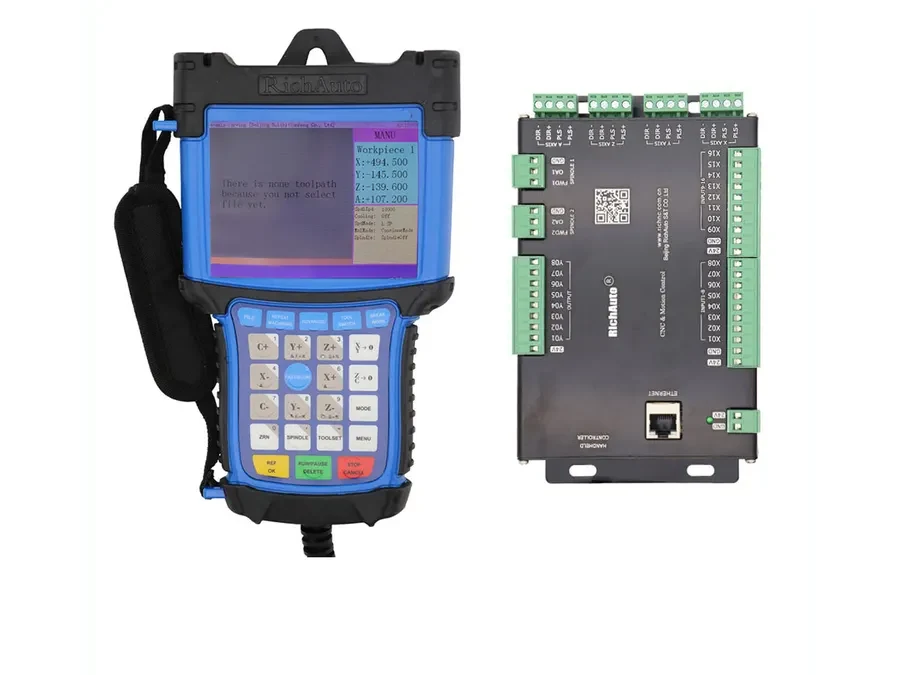
The RichAuto B58 controller is a 4-axis controller with a 5-inch color screen, making it relevant when a machine requires four-axis control and the operator prefers a larger color display. However, choosing a 4-axis rotary CNC controller requires more than matching the axis count. Buyers should also verify how the rotary axis is defined on the machine, which interface board is used, how the wiring is arranged and whether the controller platform suits the actual application. The A18, B18 and F141 are also 4-axis-oriented models, but they should be evaluated separately rather than treated as interchangeable alternatives.
What the B58 Offers
B58 belongs in the group of RichAuto controllers intended for four-axis work. Its clear distinguishing point is the 5-inch color screen.
That can matter in machines where operators want a larger visual interface or where the controller position makes screen readability important. Display format, however, does not establish electrical or machine compatibility.
Before ordering a B58, confirm that the machine’s fourth-axis arrangement matches the controller configuration being supplied. A machine described as “4-axis” may use the additional axis in different ways, including rotary work or another machine-specific setup. The axis marking and control arrangement should therefore be checked directly.
How B58 Compares with A18, B18 and F141
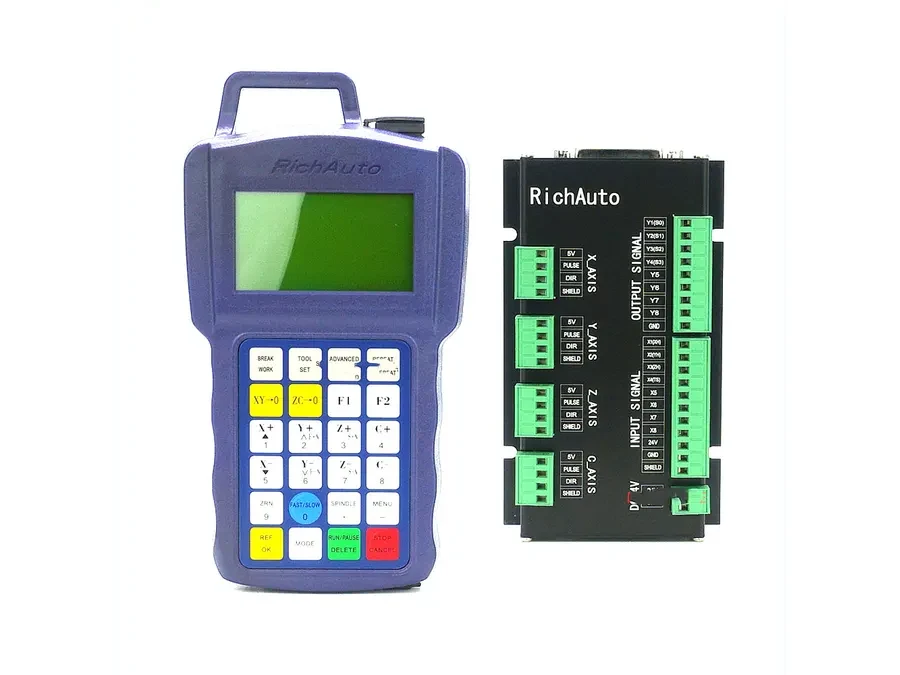
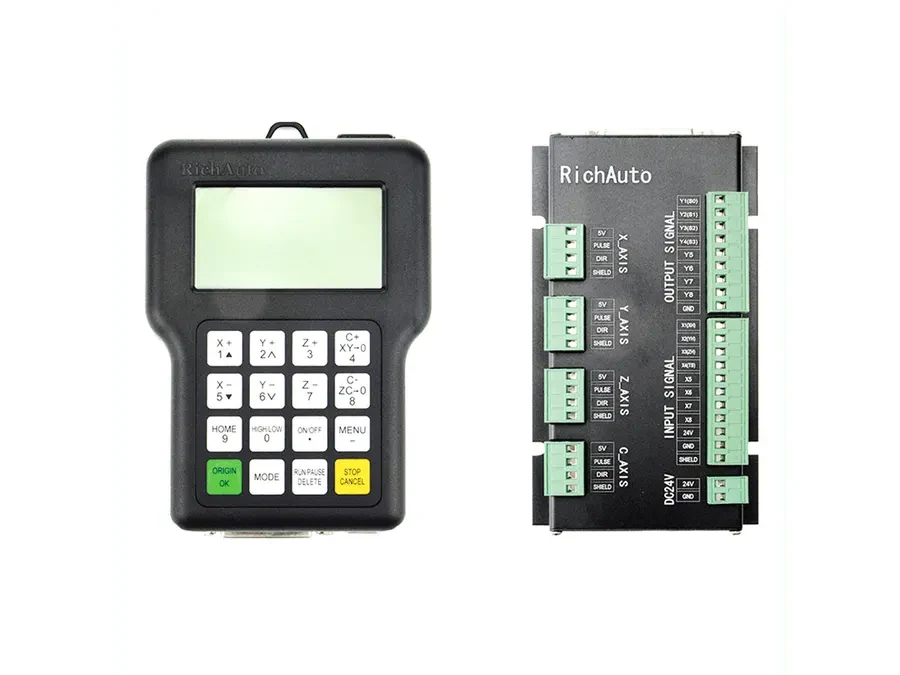
The A18, B18 and F141 are also 4-axis-oriented RichAuto controllers. Their presence in the same general axis category does not mean they use the same platform, interface board or wiring arrangement.
For buyers, this creates a simple rule: compare the whole control system, not only the number “4” in the specification.
B58
Choose B58 for consideration when your project requires four-axis control and a 5-inch color-screen interface. Then verify the machine-side details before approval.
A18
A18 is another 4-axis-oriented option. It may be relevant where the machine builder is already working with the A18 platform or where the existing control architecture points to that model family. Confirm the interface board, rotary-axis arrangement and wiring before replacement or retrofit.
B18
B18 also targets 4-axis applications. Similar naming across B-series products should not be used as evidence that one B-series controller can replace another. Check the installed board and signal connections directly.
F141
F141 is likewise 4-axis-oriented, but it belongs to a different platform and application context. If the machine was designed around F141, identify the existing controller and interface hardware before considering migration to another model.
Rotary Axis Details That Need Verification
“Four-axis” can describe several machine arrangements. For a rotary application, the buyer should identify how the additional axis is represented in the existing machine documentation, controller labels and wiring.
Useful evidence includes photos of the current controller, the interface board, terminal labels and the machine nameplate. A wiring diagram is especially valuable when available.
The rotary-axis marking also matters. Do not assume that the fourth axis is represented the same way across every controller or machine. The safest approach is to confirm the exact designation used by the machine builder and compare it with the controller configuration being considered.
Interface Board and Wiring Are Part of the Selection
A controller should be selected together with its machine-side interface requirements.
Two controllers can both support four-axis work while using different boards, connectors or wiring arrangements. That is why display size and axis count are insufficient for replacement approval.
For an existing machine, record the current controller model and photograph both sides of the interface board if practical. Capture connector labels clearly. If the machine has already been modified, note those changes because previous rewiring can affect compatibility checks.
For a new build, provide the intended axis layout, machine type and wiring plan before the controller is finalized.
4-Axis Controller Selection Checklist
Before ordering B58, A18, B18 or F141, confirm the following:
Exact machine type and intended machining process.
Current controller model, if replacing an existing unit.
Whether the fourth axis is rotary or another machine-specific axis.
Rotary-axis marking used in the machine documentation.
Interface board model or clear board photos.
Connector and terminal layout.
Existing wiring diagram, when available.
Required operator display format, including whether the 5-inch B58 color screen is important.
Any previous electrical or control-system modifications.
Photos of controller labels, board labels and machine connections.
This information gives the supplier enough context to compare models on compatibility rather than appearance or axis count alone.
When B58 Is a Good Candidate
B58 is a sensible model to evaluate when the machine genuinely needs four-axis control and the 5-inch color display fits the operator-interface requirement. It is especially worth considering in a new build or retrofit where the machine-side board and wiring can be checked before purchase.
If the machine already uses A18, B18, F141 or another RichAuto platform, start from the installed hardware. Replacing a controller based only on a similar screen or the same axis count can create avoidable wiring and setup problems.
For compatibility checking, send the existing controller model, interface-board photos, rotary-axis details, wiring information and machine type to CINKR at info@cinkr.com before ordering.