RichAuto A12 for Plasma Cutting: Compatibility Checks Before Ordering
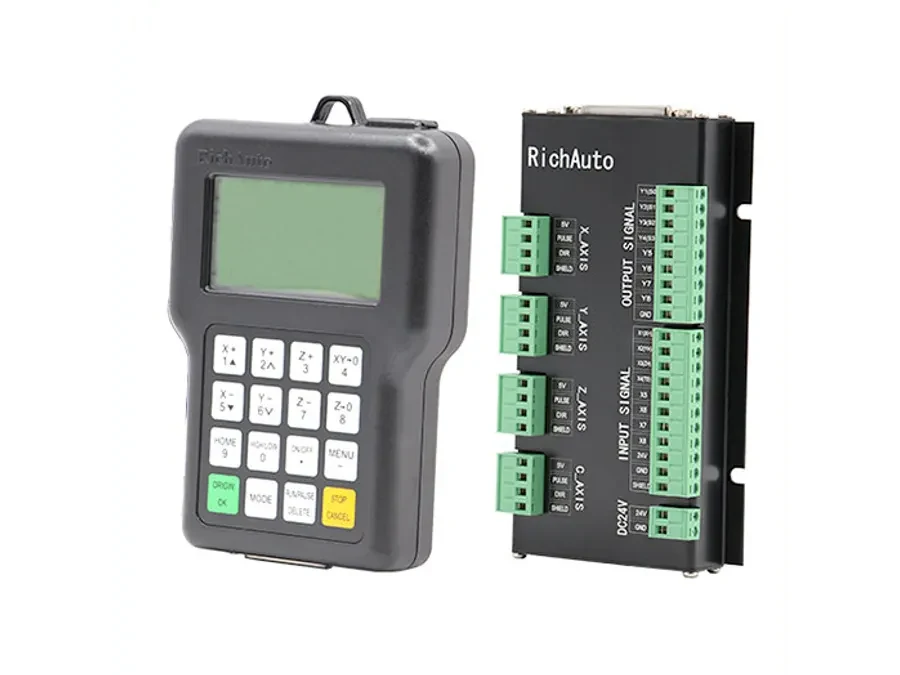
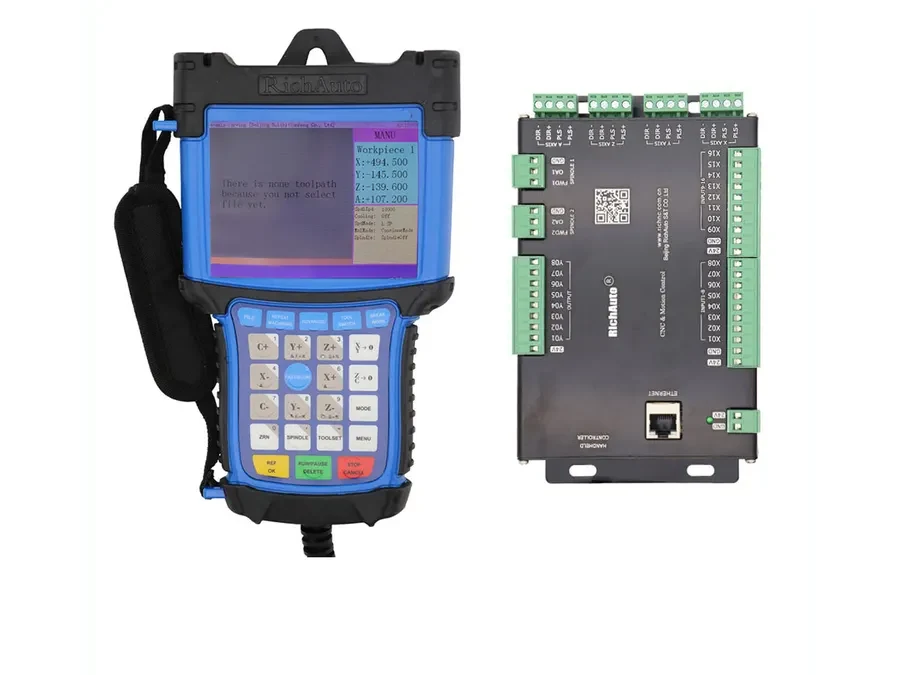
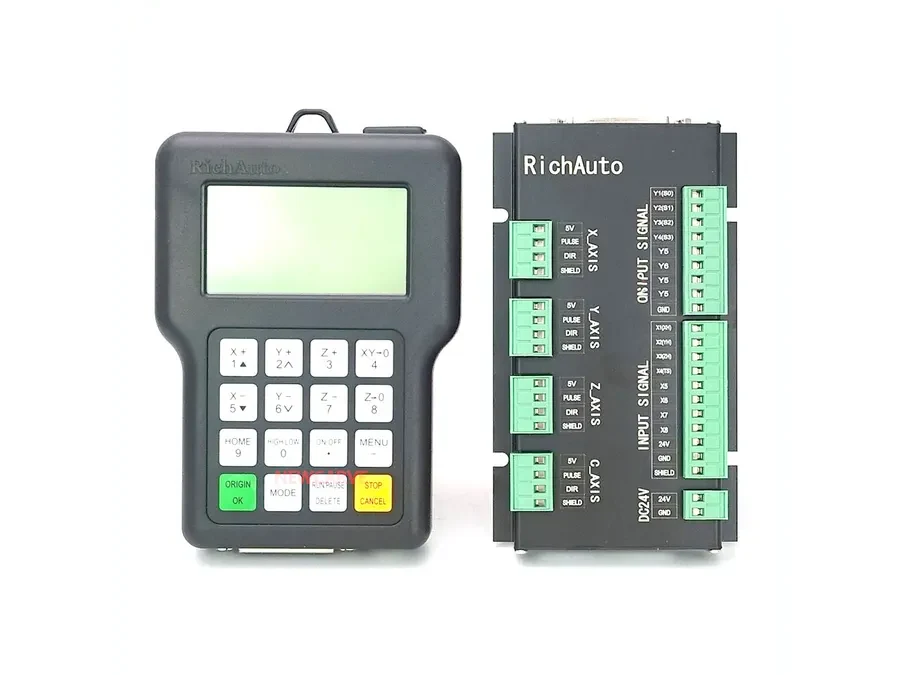
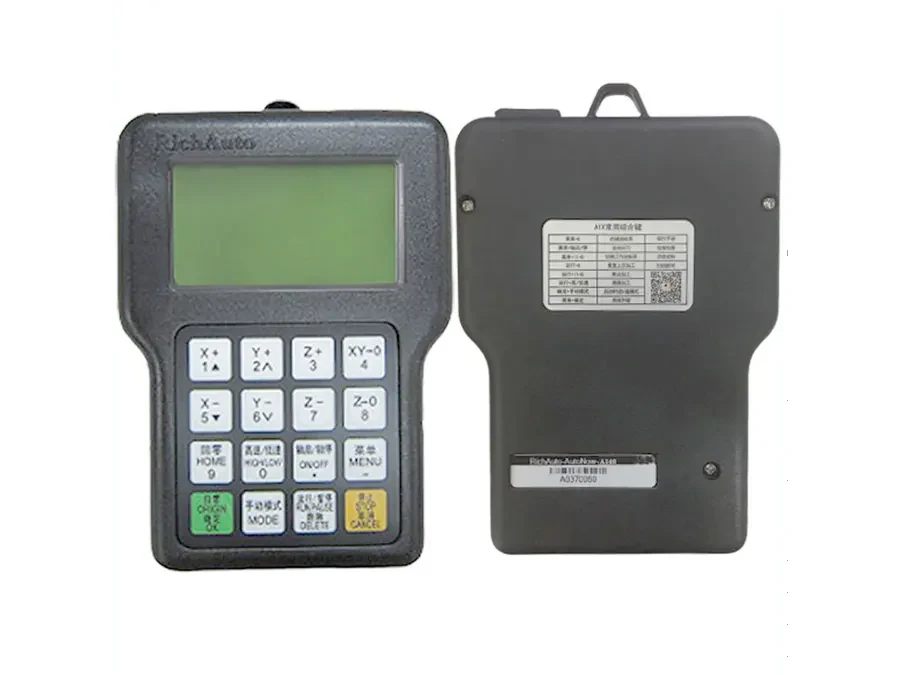
The RichAuto A12 is designed for plasma and flame cutting and includes arc-voltage control, cylinder delay and Z-axis isolation/interference protection in the current catalog. These functions make it relevant to plasma applications, but they do not make every plasma cutting machine automatically compatible. Before ordering a RichAuto A12, verify the machine configuration, plasma source, Z-axis arrangement, arc-voltage control requirements, wiring and the controller or interface currently installed.
Why a Plasma CNC Controller Requires Different Checks
A plasma cutting machine has control requirements that differ from those of a typical CNC router.
A router generally controls axis movement while switching a spindle system according to the machine design. Plasma cutting introduces additional processes around the cutting arc, torch height and cutting sequence. Electrical interference from the plasma process must also be considered when evaluating the control system.
For this reason, selecting a plasma CNC controller only by axis count or physical appearance is risky. The controller must fit the way the complete cutting machine operates.
The A12 addresses plasma-specific requirements through functions including arc-voltage control, cylinder delay and Z-axis isolation/interference protection. Buyers still need to confirm how these functions relate to their actual machine.
Check the Arc-Voltage Control Arrangement
Arc-voltage control is one of the first items to clarify.
The current A12 catalog identifies the controller as supporting arc-voltage control. Before treating this as confirmation of compatibility, determine how arc-voltage control is implemented on your existing machine.
Send information showing:
-
the plasma cutting power source or equipment model;
-
whether the machine currently uses an arc voltage controller;
-
the model of any separate height-control or arc-voltage device;
-
photographs or documentation showing the existing controller and associated interface equipment;
-
any available wiring diagrams or machine electrical drawings.
Do not assume that two systems using the term “arc voltage” connect in the same way. Interface details must be checked before replacement or installation.
Confirm the Z-Axis and Torch-Height Configuration
Plasma cutting commonly requires the Z axis to work as part of the torch-height process. The exact arrangement varies between machines.
A12 includes Z-axis isolation/interference protection, which is relevant because plasma equipment can create a demanding electrical environment. However, this catalog feature should not be interpreted as proof that the controller can be connected directly to every existing Z-axis system.
Before ordering, identify what currently controls vertical torch movement and how that system interacts with the rest of the machine.
Useful evidence includes photographs of the Z-axis assembly, labels on existing control hardware, the current controller model and any wiring documentation available from the machine builder.
Check the Cutting Sequence and Auxiliary Functions
The A12 also includes cylinder delay for plasma and flame-cutting applications.
If your machine uses cylinders or other auxiliary mechanisms during its cutting sequence, explain how they are used. A short written sequence is often more useful than simply listing component names.
For example, describe what the machine does from the moment a cutting job starts until normal cutting movement begins. Include any torch movement, auxiliary mechanism operation or external control device involved.
This helps determine whether the intended A12 configuration matches the actual machine process without relying on assumptions.
Compatibility Checklist Before Ordering
Before requesting an A12, collect the following information:
Machine type State whether the equipment is a plasma cutter, flame cutter or a machine combining multiple cutting processes.
Existing controller model Photograph the controller front, rear, labels and any separate interface board or control module.
Plasma equipment information Provide the manufacturer and model information visible on the plasma equipment.
Arc-voltage control details Explain whether arc-voltage control is currently used and identify any separate controller involved.
Axis configuration Describe the machine axes and how the Z axis is used during cutting.
Existing wiring information Send clear photographs of terminals, connectors and interface boards. Include electrical drawings when available.
Auxiliary functions Identify cylinders, torch-control devices or other equipment that participates in the cutting sequence.
Reason for the change State whether this is a new machine build, a controller replacement or a retrofit of an existing machine.
Do Not Select the A12 from the Controller Name Alone
A product description can confirm the intended application of a controller, but it cannot describe every machine into which that controller may be installed.
This is particularly important when replacing an older plasma CNC controller. Similar application descriptions do not confirm identical wiring, interface arrangements or machine behavior.
For a replacement project, preserve evidence from the existing system before disconnecting anything. Clear photographs, model labels, wiring diagrams and machine configuration information make compatibility checking much more reliable.
What to Send CINKR for Verification
For the fastest compatibility review, send the machine type, existing controller model, plasma equipment model, arc-voltage control information, Z-axis configuration, wiring photographs and any available electrical drawings.
Also explain whether you are building a new machine or replacing an existing controller.
For help checking whether the RichAuto A12 matches your plasma or flame cutting machine, send your machine details and photos to info@cinkr.com before ordering.