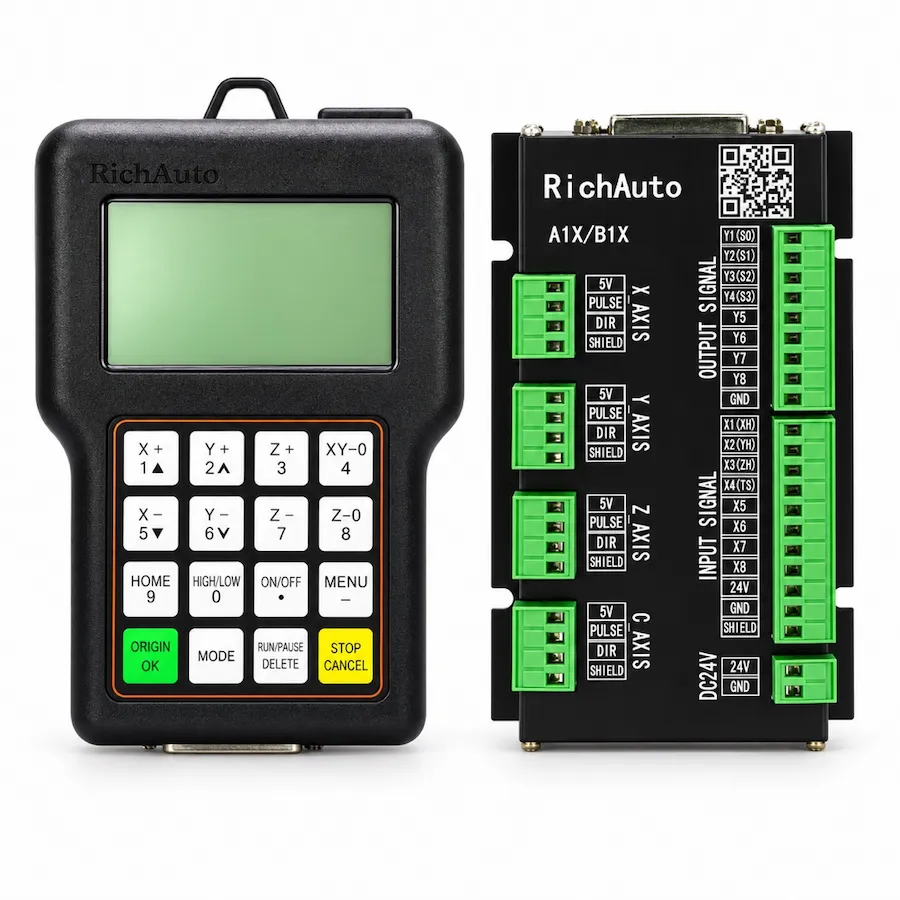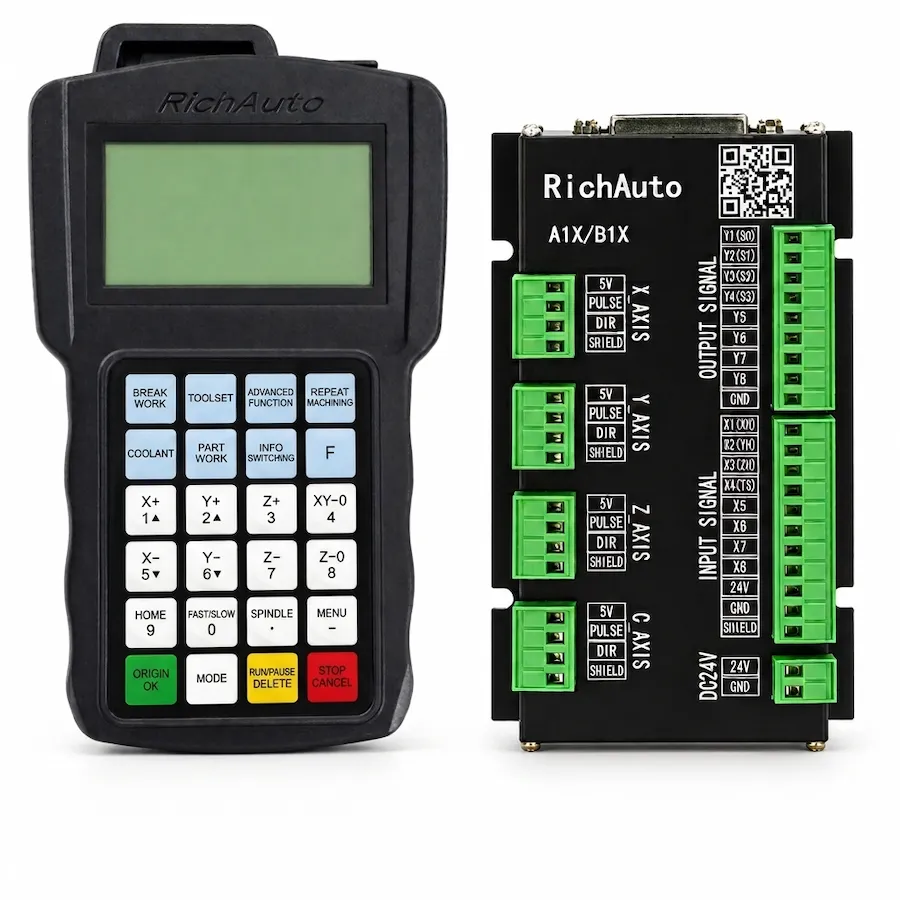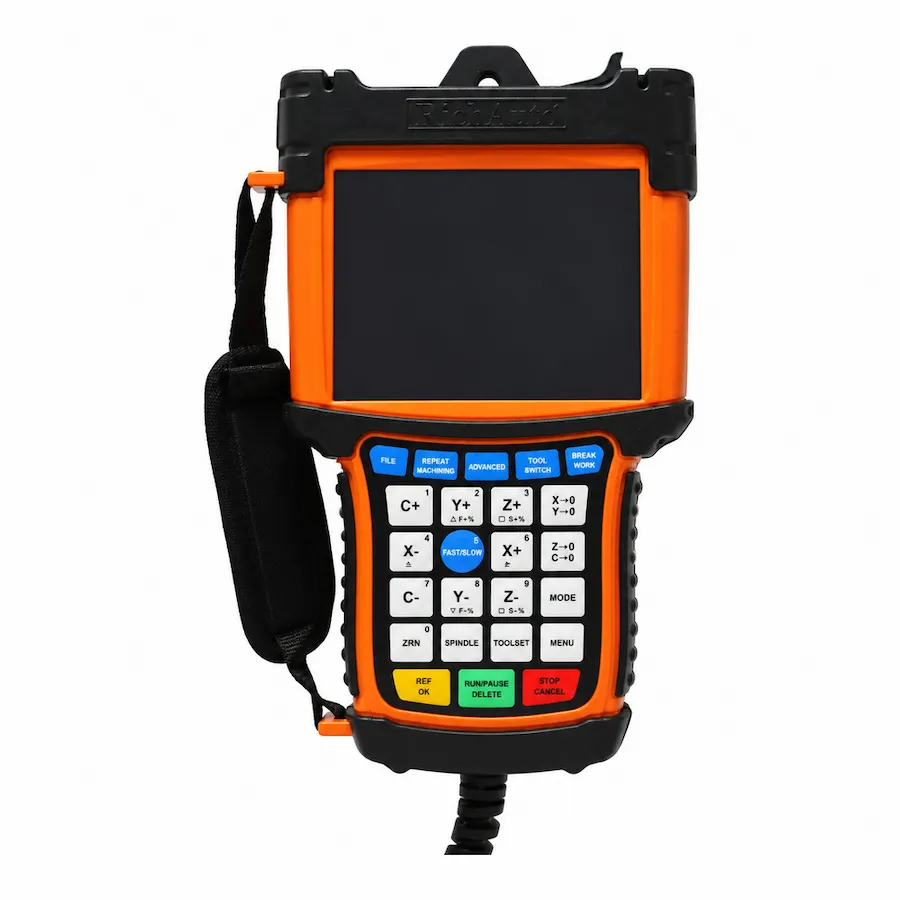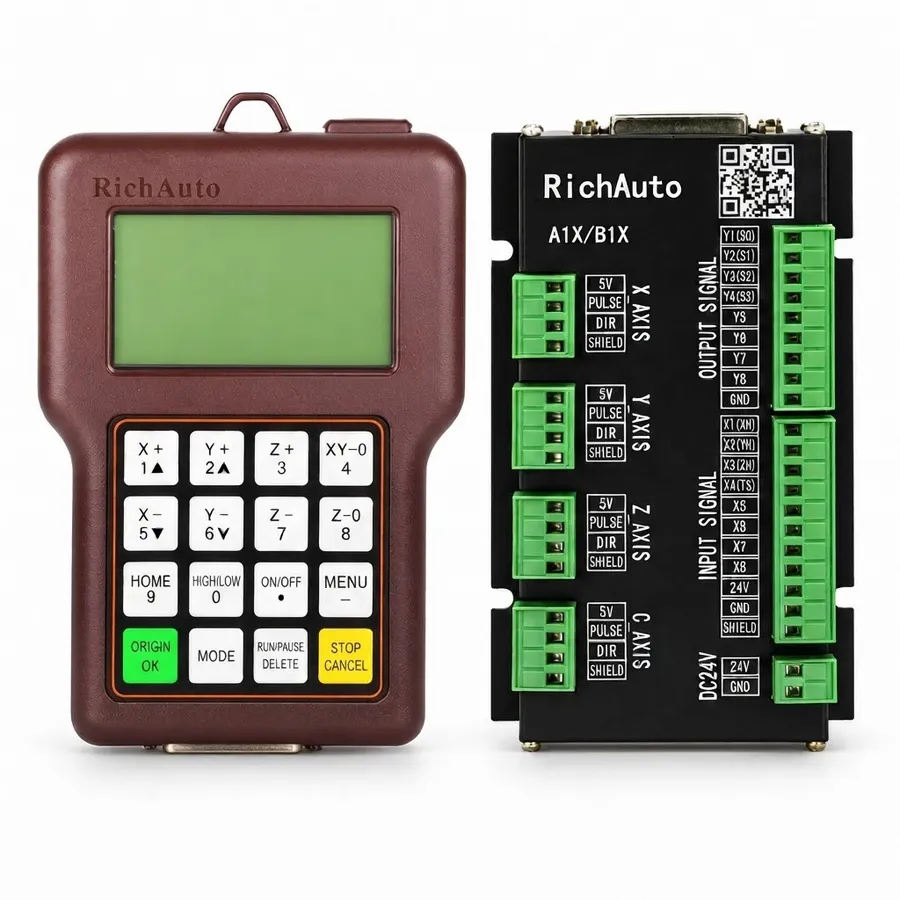
The safe starting point for a RichAuto A11 replacement is the complete controller system, not only the damaged handheld. Current A11 product information distinguishes older 5V units from newer 24V DC production. The interface-board generation, machine wiring and hardware revision must be checked with that power arrangement before a replacement is approved.
Why the A11 Power Version Matters
An A11 label or familiar keypad does not reveal every machine-side requirement. Older A11 units use a 5V power supply, while newer production uses 24V DC. The controller and the wiring board must be evaluated together.
For a replacement request, record the power arrangement before unplugging the existing system. If the cabinet label, power supply or interface board is unclear, take clear photos rather than making an assumption from the controller shape.
The purpose is not simply to identify a voltage. It is to avoid mixing a controller, board and wiring arrangement that were not designed to operate together.
Check the Interface Board Before Ordering
The interface board connects the handheld controller to the machine’s drives, limits, spindle or inverter functions and other control signals. A matching A11 model name does not prove that the existing board has the required generation or signal arrangement.
Before requesting a quotation, collect:
- a clear photo of the current controller label;
- a photo of the interface or wiring board and any visible part number;
- the cabinet power information;
- photos showing the controller-side connectors and terminal labels;
- the machine type and its X, Y and Z configuration.
These details give CINKR a practical basis for checking the proposed controller instead of treating the order as a plug-in swap.
Do Not Confuse A11 and A11 PLUS Hardware
The A11 PLUS retains a familiar A11-style operating format, but it is not automatically an electrical replacement for every older A11 installation. Current A11 PLUS information specifies a 24V DC supply, a common-anode control signal and a new wiring board. The extra function keys and operating features do not remove the need to confirm the board and machine signals.
If the goal is to preserve an installed A11 system, establish its exact version first. If the goal is an upgrade, treat it as a compatibility project and review the board, power, signals, wiring and machine functions before changing hardware.
A Practical A11 Replacement Sequence
- Identify the installed controller. Photograph the full model label and note any A11E or A11S keypad marking.
- Record the power arrangement. Confirm whether the current system is the older 5V version or a newer 24V DC arrangement.
- Identify the interface board. Capture labels, connectors and any hardware revision information visible in the cabinet.
- Check the machine requirements. Record the axis configuration, drive type, spindle or inverter control and essential I/O functions.
- Confirm before shipment. Send the information to CINKR so the requested controller, board and wiring path can be checked together.
When a Damaged Screen Is Not the Whole Diagnosis
A blank screen or failed handheld does not prove that the controller is the only affected part. Check the controller condition, supply and machine-side connections before replacing hardware. If a new controller is selected without those checks, the underlying power, board or wiring issue can remain unresolved.
For a broader replacement checklist, see the RichAuto controller wiring and compatibility guide. If you are considering a functional upgrade rather than a like-for-like investigation, compare the A11 and A11 PLUS first.
Before You Request an A11 Quote
Send the model label, power information, interface-board photos, machine application and wiring photos where available. That lets CINKR help assess the replacement path before the controller is shipped.