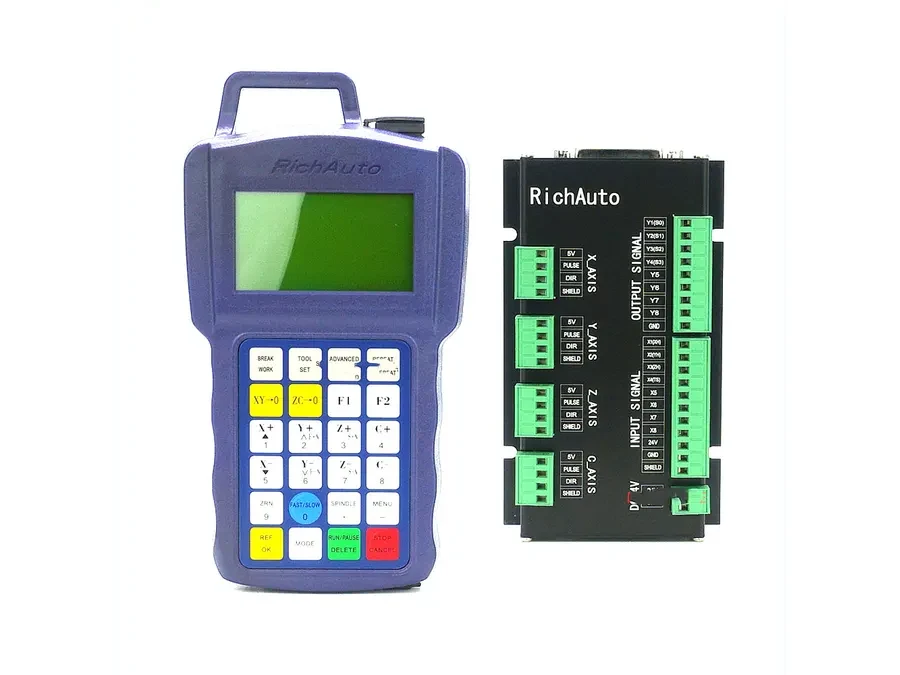
RichAuto F731 vs F741: Network and PC Control Applications
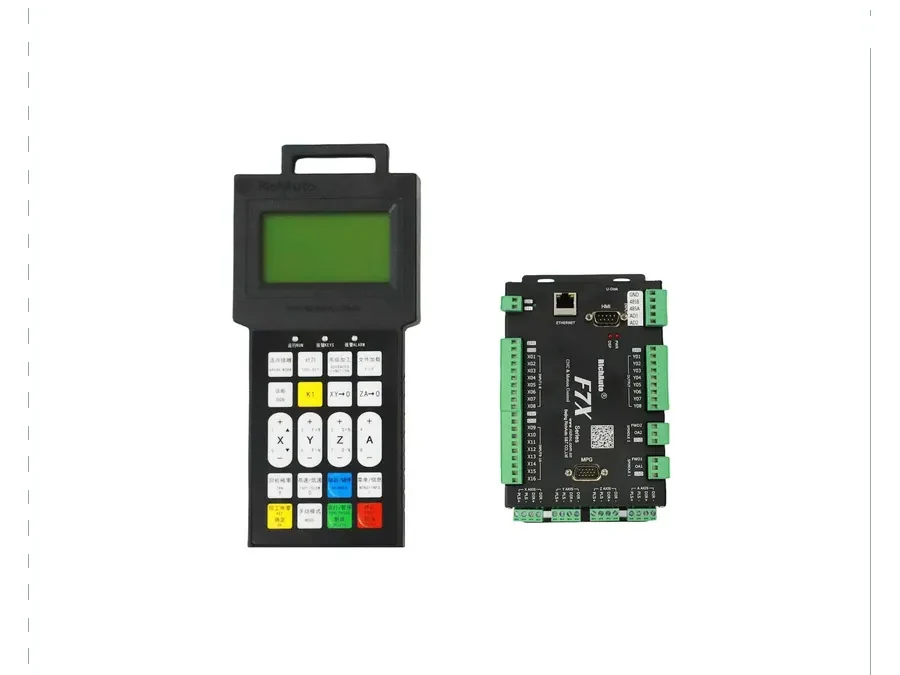
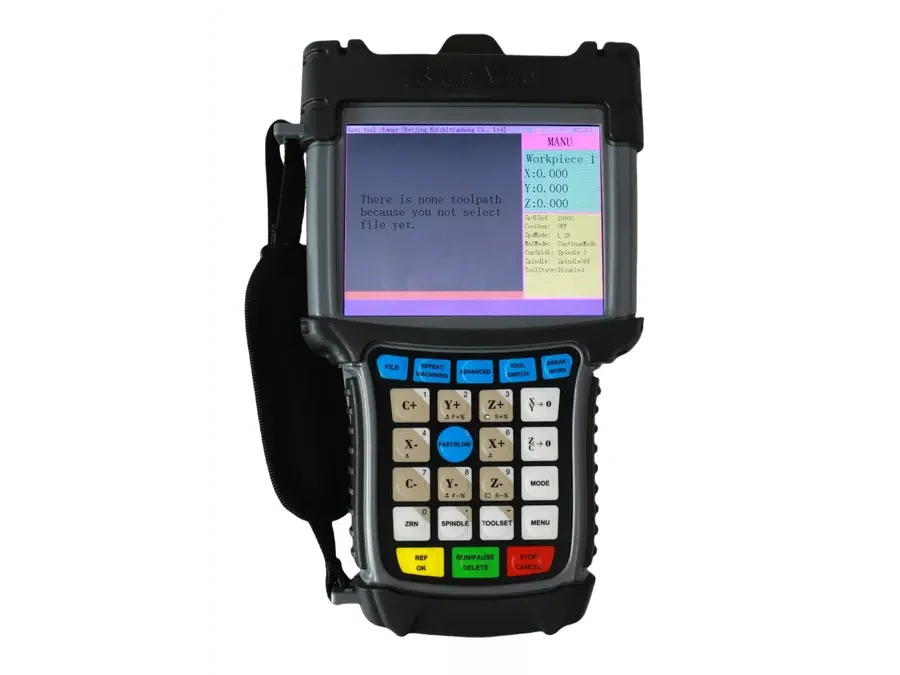
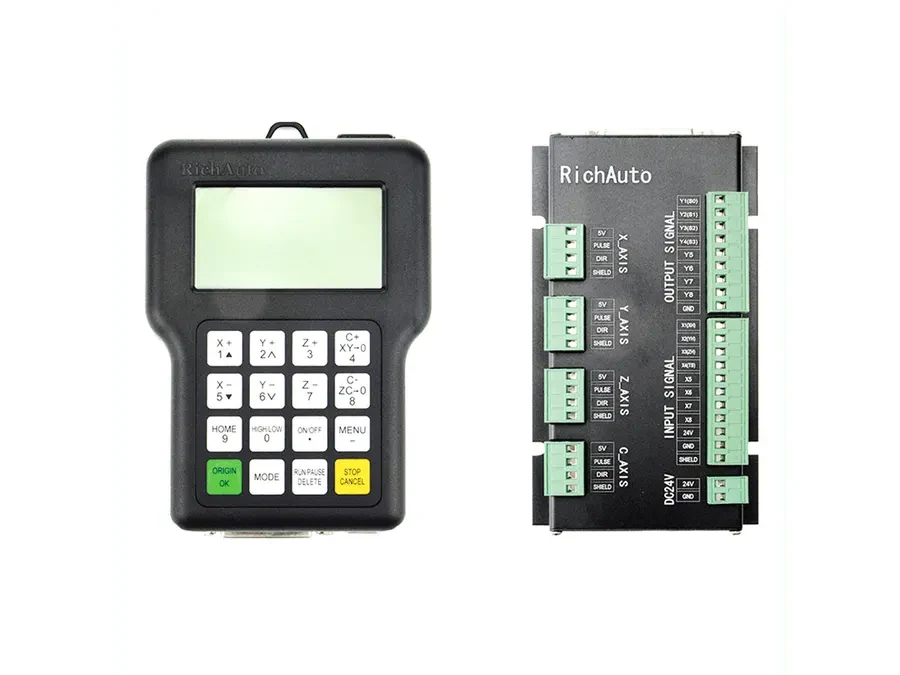
The main difference in a RichAuto F731 vs F741 comparison is their published axis scope and intended project configuration. The F731 is described as a 3-5 axis networked controller, while the F741 is a 4-axis networked motion controller. Both are relevant when a CNC project involves network, PC or multi-machine control, but axis count alone is not enough to select between them. The machine architecture, required control method and exact configuration should be checked before ordering.
Why Network CNC Control Needs a Different Selection Process
A conventional controller comparison may begin with machine type and axis count. A network CNC controller requires several additional questions because the controller can become part of a wider production or computer-controlled system.
For example, a buyer may need a controller for one machine operated through a PC, several CNC machines connected within the same production environment, or a machine design that depends on a particular network-based control arrangement. These projects can have very different requirements even when the mechanical machines appear similar.
This is why the terms “network controller” or “PC CNC controller” should be treated as the beginning of the specification process. They do not define a complete machine configuration.
RichAuto F731: 3-5 Axis Networked Control
The RichAuto F731 is published as a 3-5 axis networked controller. Its broader published axis range makes it relevant to projects where the required machine configuration may extend beyond a fixed four-axis arrangement.
When considering the F731, first establish the actual number of controlled axes and how those axes are used by the machine. A project described simply as “five axis” still needs configuration review because machine builders can implement additional axes in different ways.
F731 may therefore be considered when the project calls for network-based CNC control and the required axis configuration falls within its published 3-5 axis scope. The documentation should then be checked against the specific machine and control requirements.
RichAuto F741: 4-Axis Networked Motion Control
The RichAuto F741 is published as a 4-axis networked motion controller. It is relevant to machines where four-axis control is part of the defined project architecture and network or PC-oriented operation is required.
However, identifying a machine as four-axis does not automatically establish F741 compatibility. The purpose of the fourth axis, the machine’s control arrangement and the required system configuration still need to be confirmed.
For retrofit projects in particular, buyers should avoid selecting F741 solely because the existing machine has four controlled axes. Existing hardware, wiring and overall control architecture can affect whether a controller is suitable for the project.
| Selection point | F731 | F741 |
|---|---|---|
| Published axis scope | 3-5 axis | 4 axis |
| Controller type | Networked controller | Networked motion controller |
| Relevant applications | Network, PC or multi-machine projects | Network, PC or multi-machine projects |
| Selection basis | Axis requirements plus project configuration | Four-axis requirement plus project configuration |
| Verification required | Yes | Yes |
The table is useful for narrowing the choice, but it should not be treated as a compatibility approval. Published documentation for these controllers includes configuration notes, which makes project-specific verification particularly important.
What to Check Before Choosing a PC CNC Controller
Start with the machine rather than the controller model number.
1. Define the axis configuration
Record how many axes the machine actually controls and identify the function of each axis. Do not describe the requirement only as “3-axis,” “4-axis” or “5-axis” if additional machine details are available.
2. Describe the PC and network requirement
Explain how the controller is expected to interact with the PC or network environment. State whether the project involves a single machine, several machines, or another network-based control arrangement.
This information helps distinguish a genuine network-control requirement from a project that simply needs conventional standalone CNC operation.
3. Identify the machine application
Specify what the CNC machine does and how its motion system is arranged. Two machines with the same number of axes may require different control configurations.
4. Review the published configuration notes
Do not assume every F731 or F741 project uses the same setup. Check the documentation relevant to the exact controller and intended application before finalizing the order.
5. Provide existing system information for retrofits
For replacement or retrofit work, record the existing controller model, machine configuration and available system information. Photos of the controller, associated hardware and machine layout can also make compatibility verification clearer.
Which Model Should You Evaluate First?
Evaluate F731 first when the project requires networked control and the required axis configuration falls within its published 3-5 axis range.
Evaluate F741 when the project is specifically based around a four-axis networked motion-control requirement.
In both cases, the next step is configuration verification. Similar axis counts or similar network functions do not establish that two controllers can be exchanged directly.
Compatibility Checklist Before Ordering
Before requesting a quotation or compatibility check, prepare:
CNC machine type and application.
Required number of controlled axes.
Function of each axis.
Existing controller model, if this is a retrofit.
Required PC or network-control arrangement.
Whether the project involves one machine or multiple machines.
Photos or documentation showing the current control setup.
Any project-specific configuration requirements already defined by the machine builder.
For help comparing RichAuto F731 and F741 for a specific machine, send your machine type, axis configuration, current controller information and network or PC-control requirements to info@cinkr.com for a compatibility review before ordering.